
Set up notifications for shared lists
TasksBoard can notify you when someone adds a task to one of your shared lists. Notifications are a Premium feature and work in any browser that supports push notifications.
Enable notifications
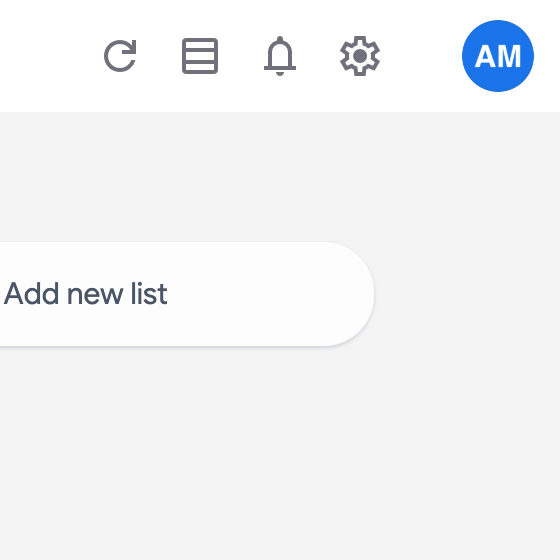
Section titled “Enable notifications”- Click the bell icon in the top right of the header.
- Allow notifications when your browser asks.
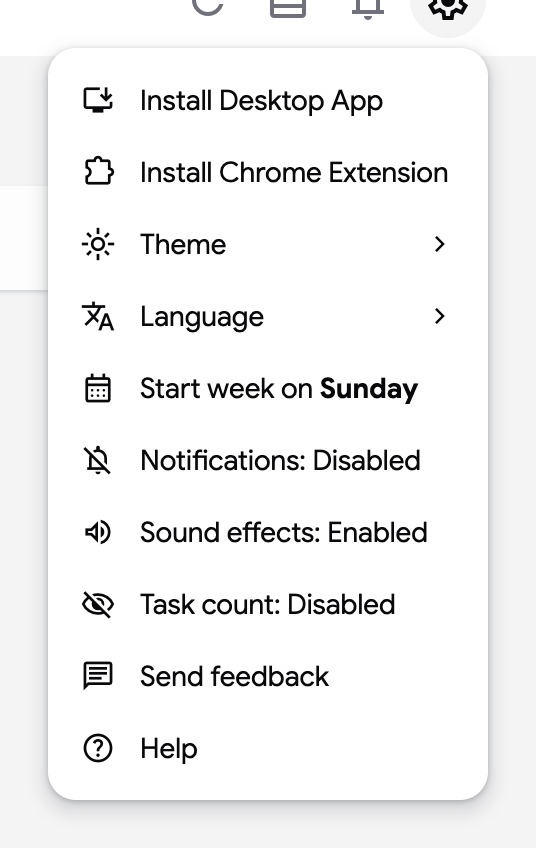
Once this browser is registered, the bell disappears from the header. The settings menu (gear icon) then shows “Notifications: Enabled”; click it to turn them off again, or “Notifications: Disabled” to turn them back on.
How notifications arrive
Section titled “How notifications arrive”- With a TasksBoard tab open and visible, a banner appears at the top of the screen with a sound. It names the task and the list.
- With the app in the background or closed, your browser shows a system notification. Clicking it opens the list.