
See Google Workspace tasks
Tasks assigned to you from Google Workspace products, such as a checklist in a Google Doc, a Google Chat room or a Space, are regular Google tasks. They appear in TasksBoard automatically, in the list Google put them in, with no extra setup.
Where to find them
Section titled “Where to find them”Workspace tasks show up on your board like any other task. A task that comes from a document carries a badge with the document’s name: click it to open the Google Doc, Chat or Space where the task was created.
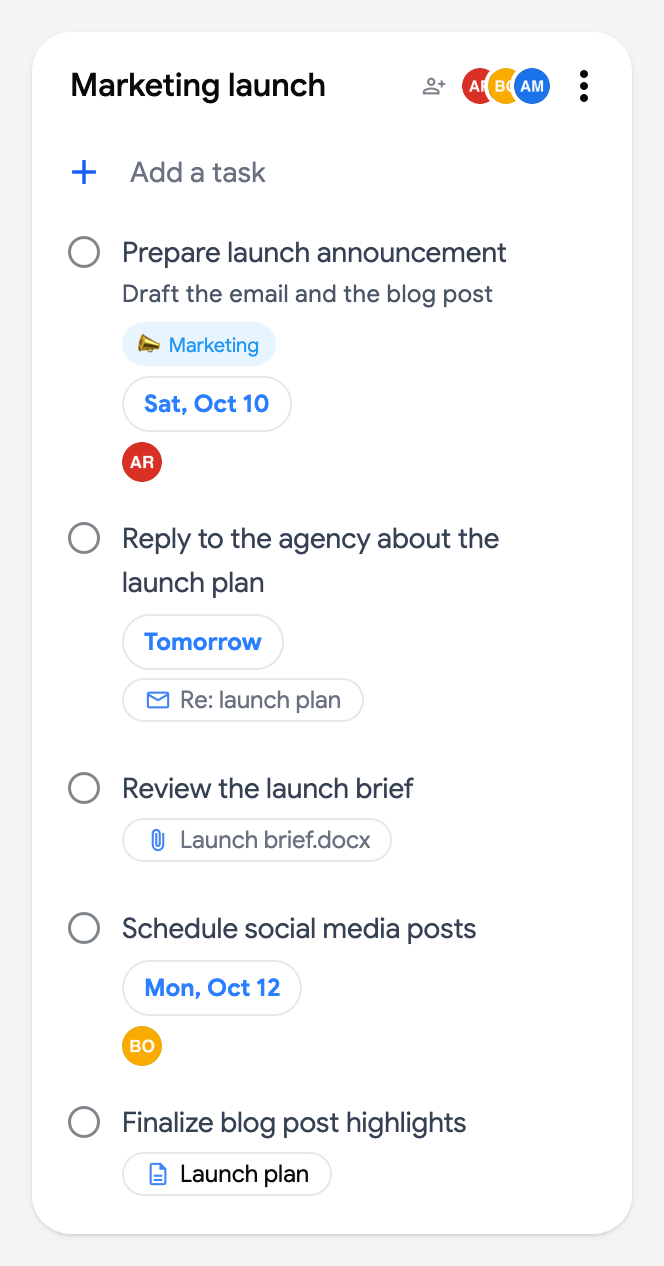
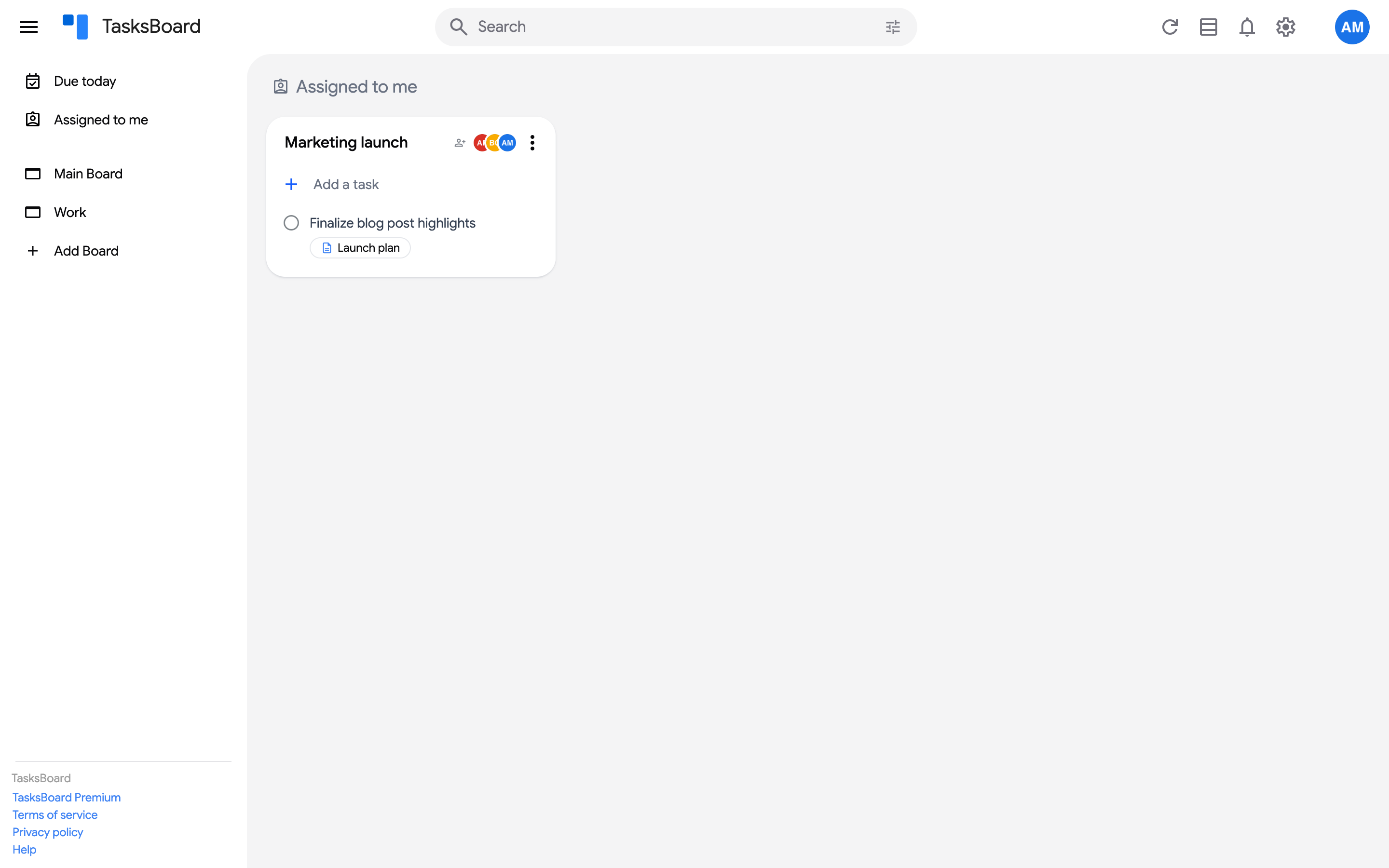
They are also collected on the “Assigned to me” smart board at the top of the sidebar, together with the tasks assigned to you in shared lists.
What you can do with them
Section titled “What you can do with them”You can complete, edit, label and move Workspace tasks in TasksBoard like any other task. Completing a task created from a Google Doc checks it off in the document too, since both read the same Google task.