
Recover deleted Google tasks
When you delete a task, Google Tasks keeps it for a while before removing it for good. TasksBoard lets you see those recently deleted tasks and put them back in their list.
Restore a deleted task
Section titled “Restore a deleted task”- Open the three dots menu (⋮) next to the name of the list that contained the task.
- Click “Show deleted tasks”.
- A dialog lists the recently deleted tasks of that list. Hover a task and click the restore icon at its right to put it back in the list.
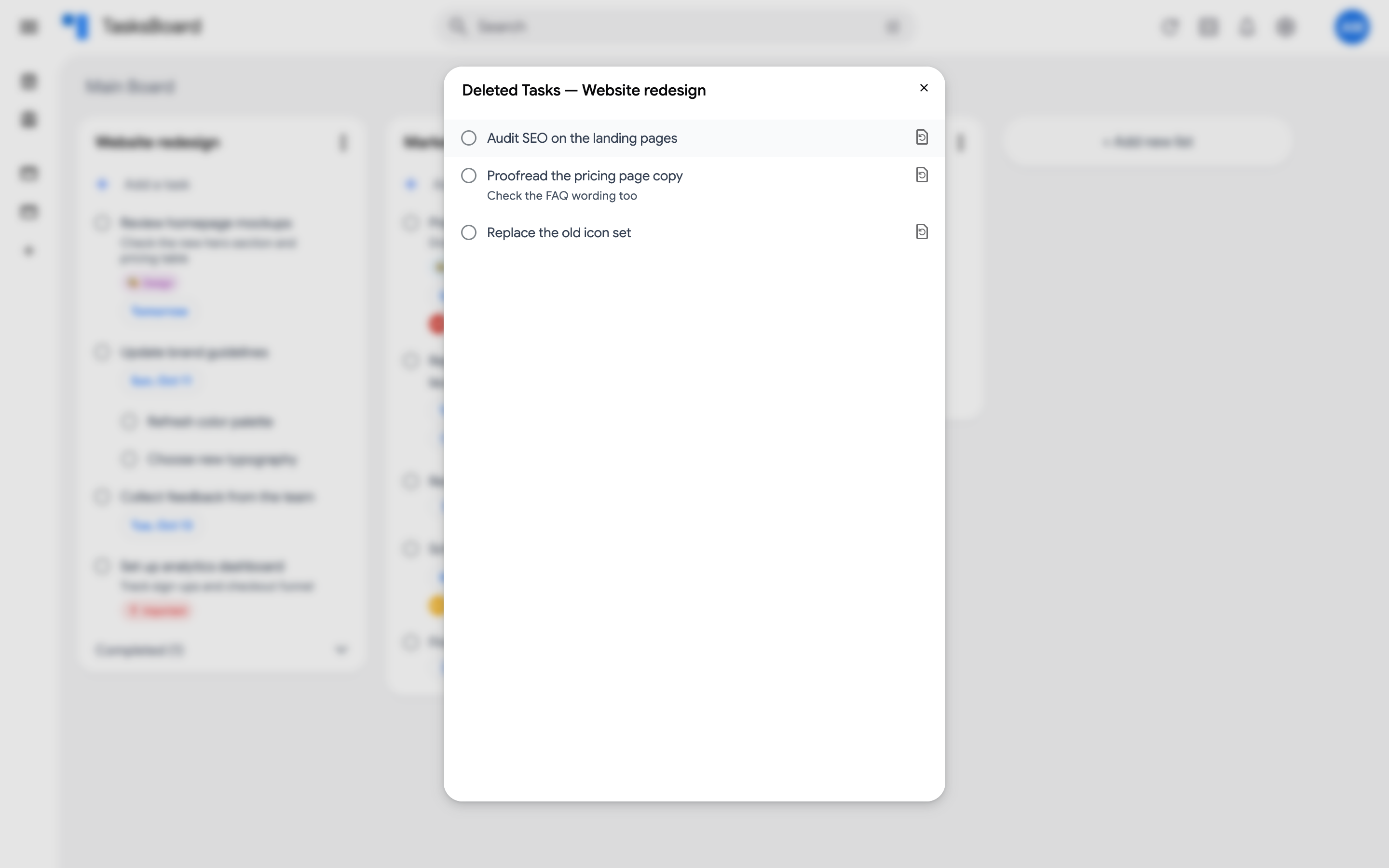
The restored task reappears in the list with its notes and due date. Restoring the last task closes the dialog.
What can be recovered
Section titled “What can be recovered”- Only tasks that Google still keeps can be restored. Google removes deleted tasks permanently after some time, so act quickly.
- A task that was removed with “Delete all completed tasks” or by deleting the whole list cannot be recovered this way.
- To avoid losing tasks on a shared list, read read-only access to shared tasks.