
Change the theme (dark mode)
TasksBoard comes with a light and a dark theme, plus an option to follow your system preference automatically.
Switch between light and dark
Section titled “Switch between light and dark”- Click on the settings icon (gear) at the top right of the screen.
- Hover “Theme” and pick an option:
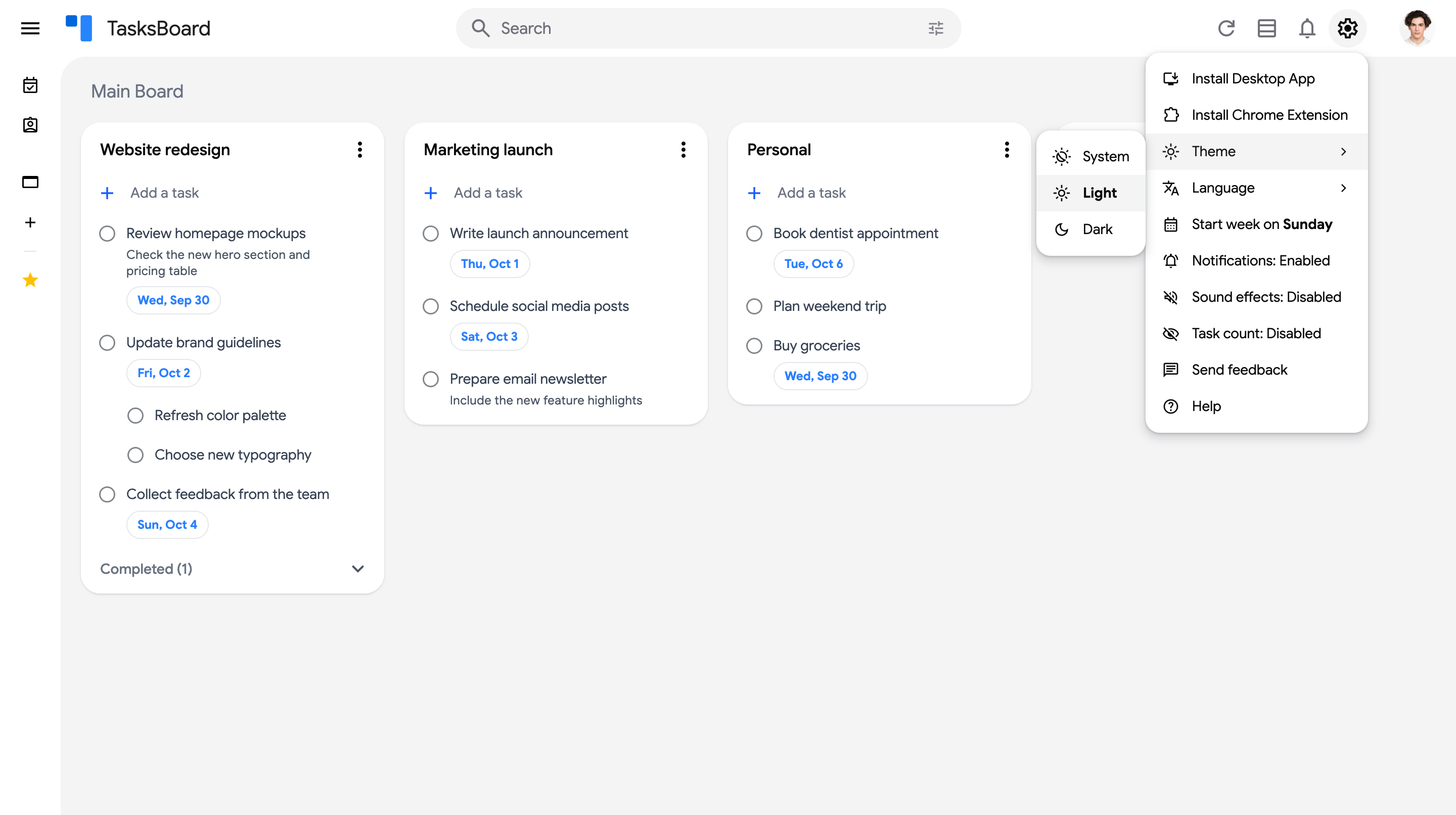
- “System”: TasksBoard follows your operating system’s appearance and switches automatically when your system does.
- “Light”: always use the light theme.
- “Dark”: always use the dark theme.
The theme applies immediately and is remembered on this device. The current choice is shown in bold in the submenu.