
Search your tasks
The search bar at the top of the screen looks through all your tasks at once, across every list of every board. It is the fastest way to find a task when your boards grow.
Search for a task
Section titled “Search for a task”- Click the search bar at the top of the screen.
- Type your query. The results update as you type: only the lists holding a matching task stay visible, with only the matching tasks.
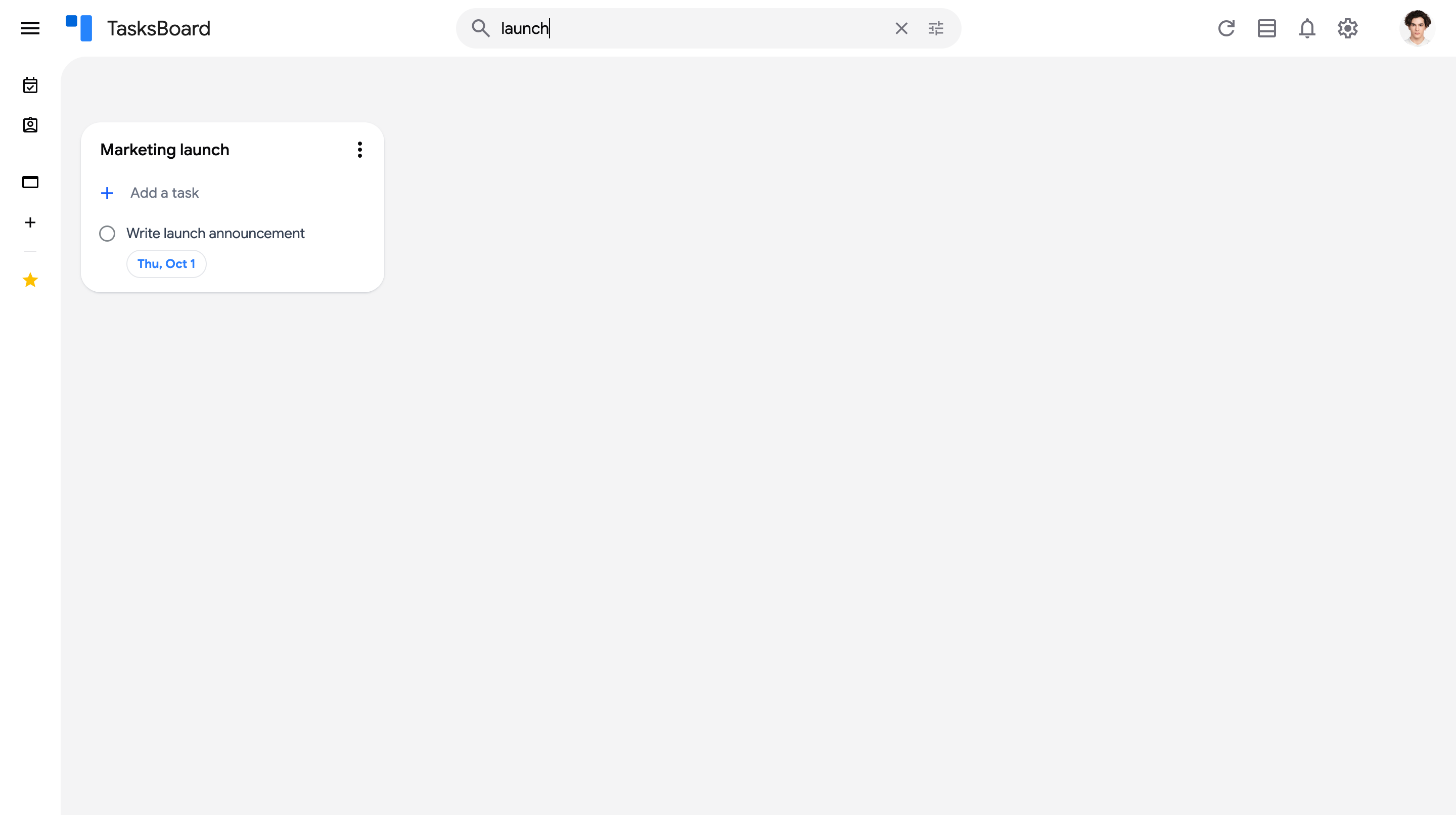
- Click the x in the search bar (or empty it) to go back to your board.
The search matches the title and the details of your tasks, so you can find a task by any word of its description. Completed tasks that match are listed in the “Completed” section of their list.
Narrow the results
Section titled “Narrow the results”The filter icon at the right of the search bar lets you restrict the results to some boards, an assignee, labels, a due date range or a last updated range, and exclude words. See search filters.