
Assign task
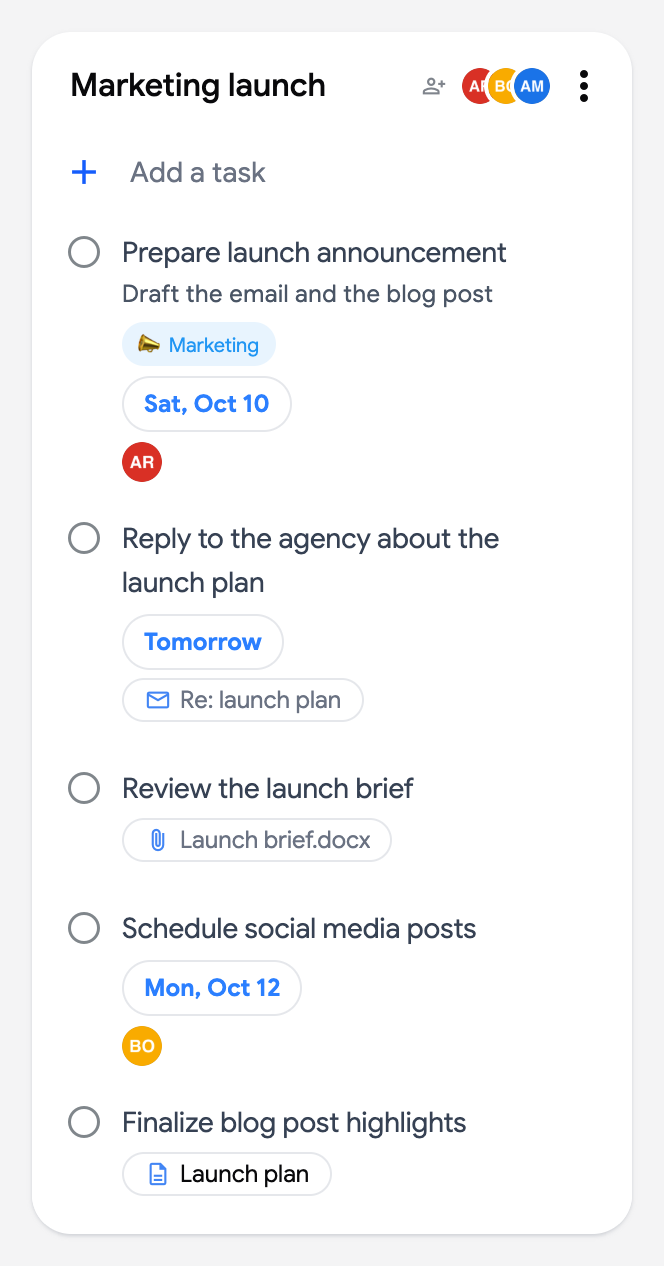
Tasks can be assigned to the people who share the list. The assignee’s avatar shows on the task card, and every task assigned to you is collected in the Assigned to me smart board.
Assign a task
Section titled “Assign a task”- Click a task in a shared list to open the editor.
- Click the “Add assignee” button (person icon) in the editor toolbar.
- Pick a collaborator in the popover, or type a name to filter the list.
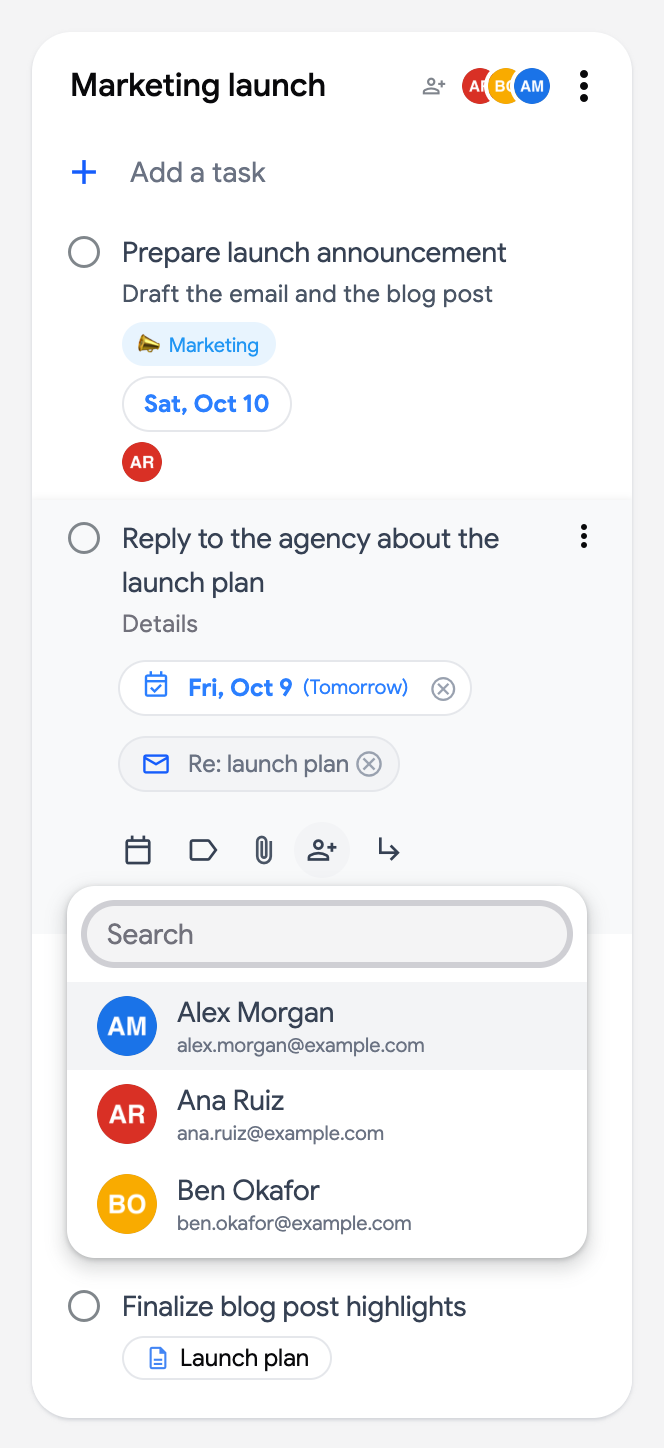
You can assign a task to yourself and a task can have several assignees: click a person in the popover to add or remove them (a filled circle marks the assignees), and the popover stays open so you can pick several people in a row. Their avatars stack on the card. To remove an assignee, open the task and click the cross next to their name, or uncheck them in the popover. Each assignee is stored as a 👤 Assigned to … line in the task’s details, which is how it reaches your collaborators through Google Tasks.
See who is responsible
Section titled “See who is responsible”Assigned tasks show the assignee’s avatar on the card. Hover the avatar to see the name and email; from there you can email them or create a calendar event with them.
Everything assigned to you
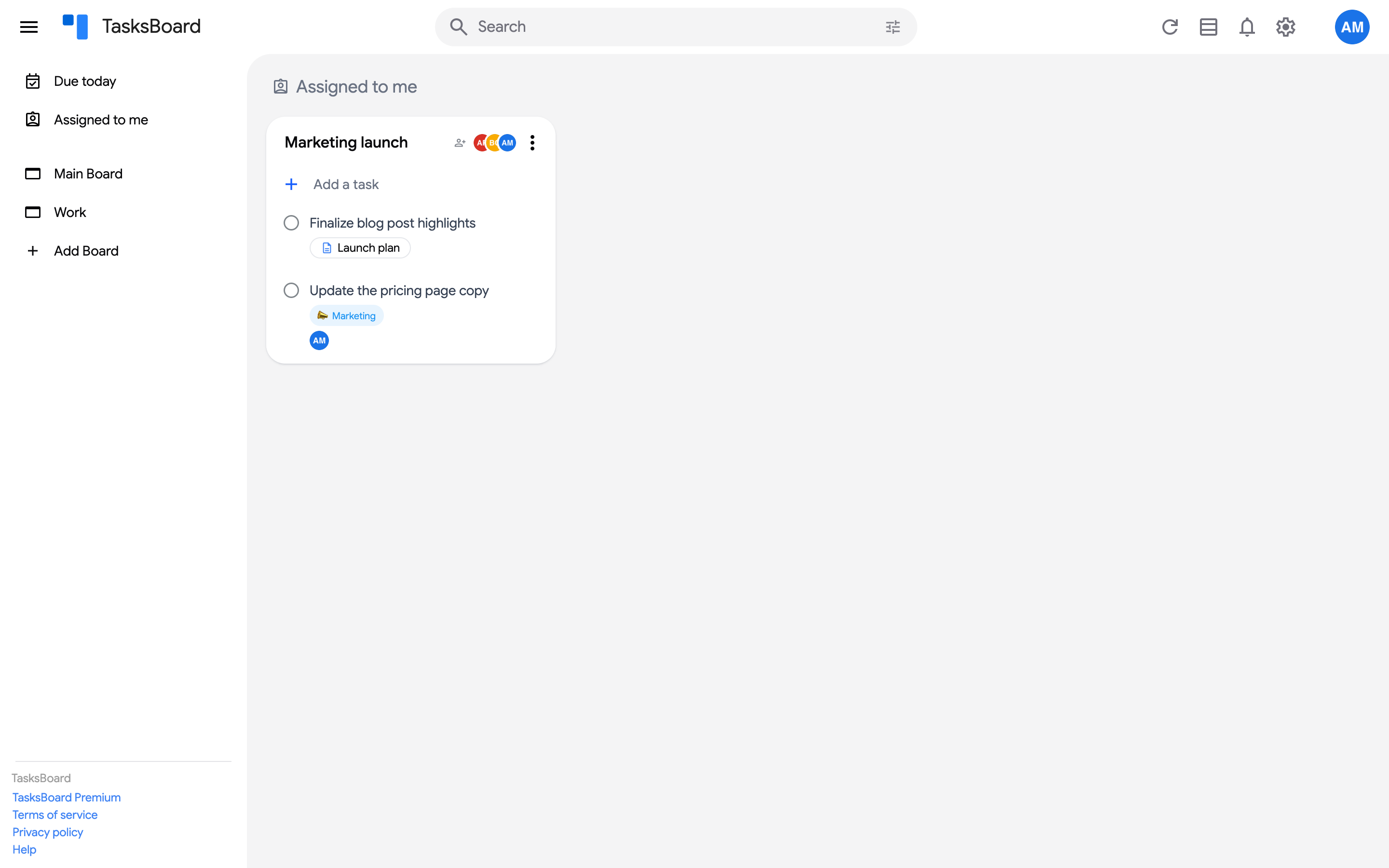
Section titled “Everything assigned to you”Open the sidebar and click “Assigned to me”. This smart board gathers the tasks assigned to you across all your lists, including tasks assigned to you from a Google Doc or Google Chat.
One person’s tasks on a board
Section titled “One person’s tasks on a board”On a board with at least one shared list, the Display button at the top right has an “Assignee” filter: “Everyone”, one entry per collaborator, and “Unassigned”. Pick a person to keep only the tasks assigned to them in every list of the board (in the calendar layout too), or “Everyone” to see all tasks again. While a filter is on, the button reads “Display: 1”, and “Reset all” at the bottom of the menu clears it. The choice is remembered per board on your device. The filter is not offered on the smart boards or while a search is active.
The page address gains ?assignee=<email> (or ?assignee=unassigned) while a filter is on, so an owner can send each teammate a link that opens the board on their own tasks, while everyone keeps seeing the whole board.
Tasks assigned from a Google Doc
Section titled “Tasks assigned from a Google Doc”A task assigned to someone inside a Google Doc (or a Google Chat space) is special: Google keeps the assignment read-only and does not allow such a task to have notes. This is a restriction of the Google Tasks API that TasksBoard cannot lift.
When such a task is moved into a shared list, TasksBoard shows the original assignee from the Doc to everyone on the board, and assignees added in TasksBoard sync normally between collaborators.