
Star task
Starring tasks, as in the Google Tasks app, is currently not possible in TasksBoard: the Google Tasks API does not expose the star to third-party apps, so TasksBoard can neither show nor set it.
We will support it as soon as Google makes it available for developers. You can star this issue on their API issue tracker to speed up the process: https://issuetracker.google.com/issues/166896024.
What to use instead
Section titled “What to use instead”Put a label on the tasks that matter. Labels are visible on the board, and clicking one lists every task that carries it, across all your boards.
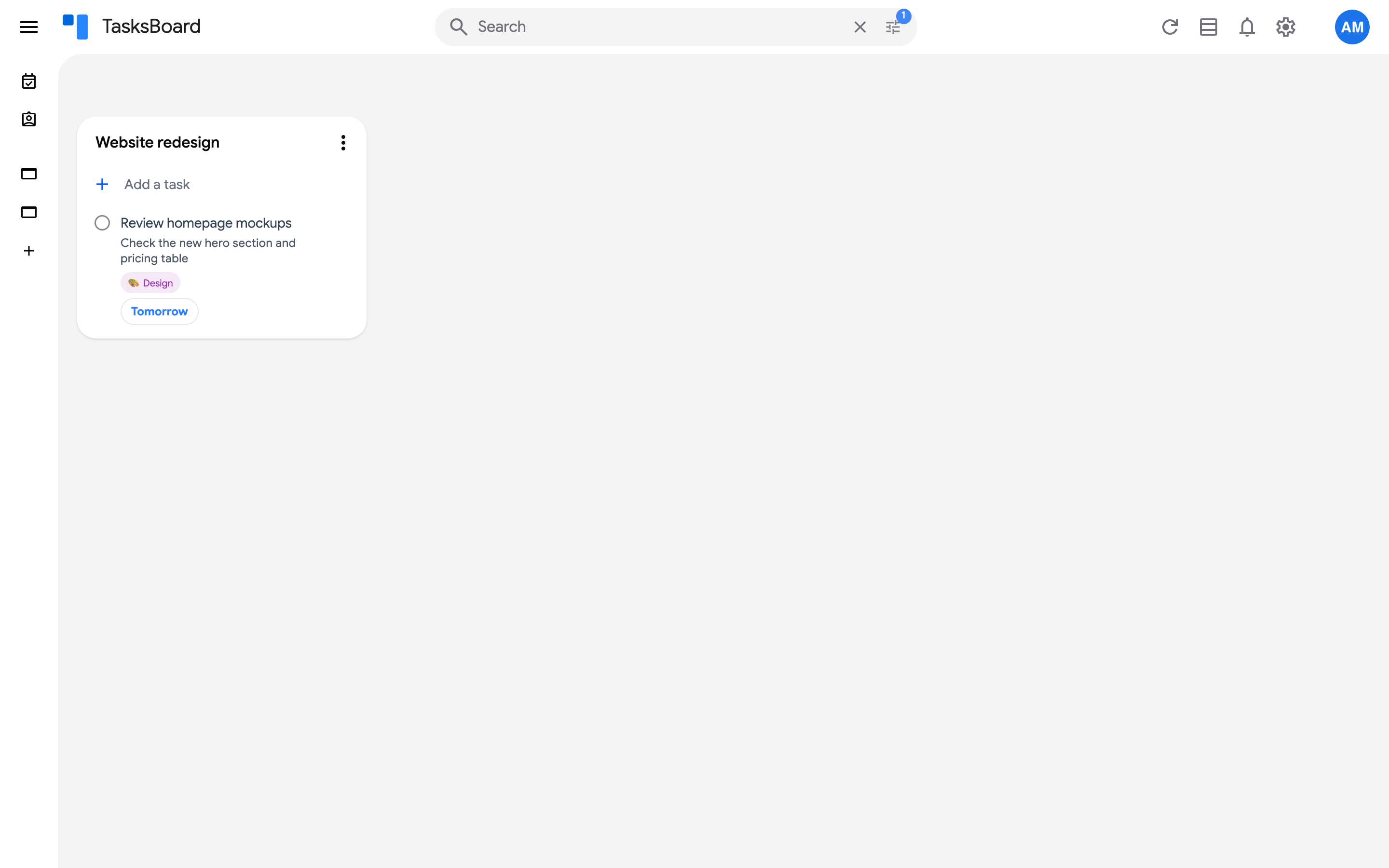
- Open the task and click “Add label”.
- Pick a label such as “Important”, or create your own with the pencil button next to the search bar (“Manage labels”).
See set labels for the details.