
Sync in the background
Your own lists are always up to date: TasksBoard reads them from Google Tasks every time it opens. Shared lists are different, because the copies of the list in each collaborator’s Google account have to be reconciled by TasksBoard.
When shared lists sync
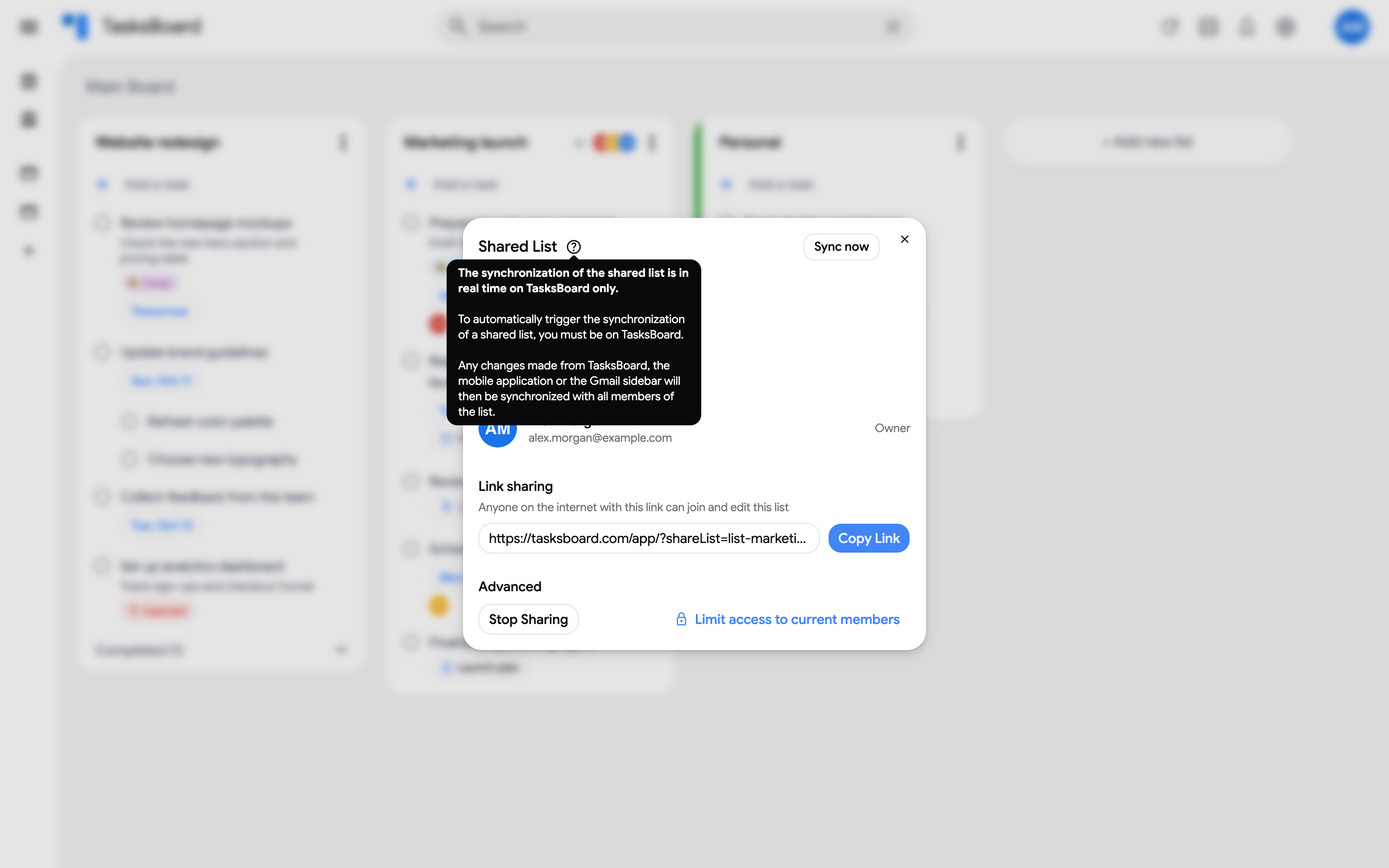
Section titled “When shared lists sync”- Shared lists sync in real time while TasksBoard is open, for everyone on the list.
- A change made from another client (the Google Tasks mobile app, Gmail, Google Calendar) is picked up the next time anyone on the list opens TasksBoard.
- Nobody on the list has TasksBoard open? The copies wait until someone does.
The help icon of the Shared List dialog sums it up.
Force a sync
Section titled “Force a sync”- Open the three dots menu (⋮) of the shared list and click “Share list”.
- Click “Sync now” in the top right of the dialog.
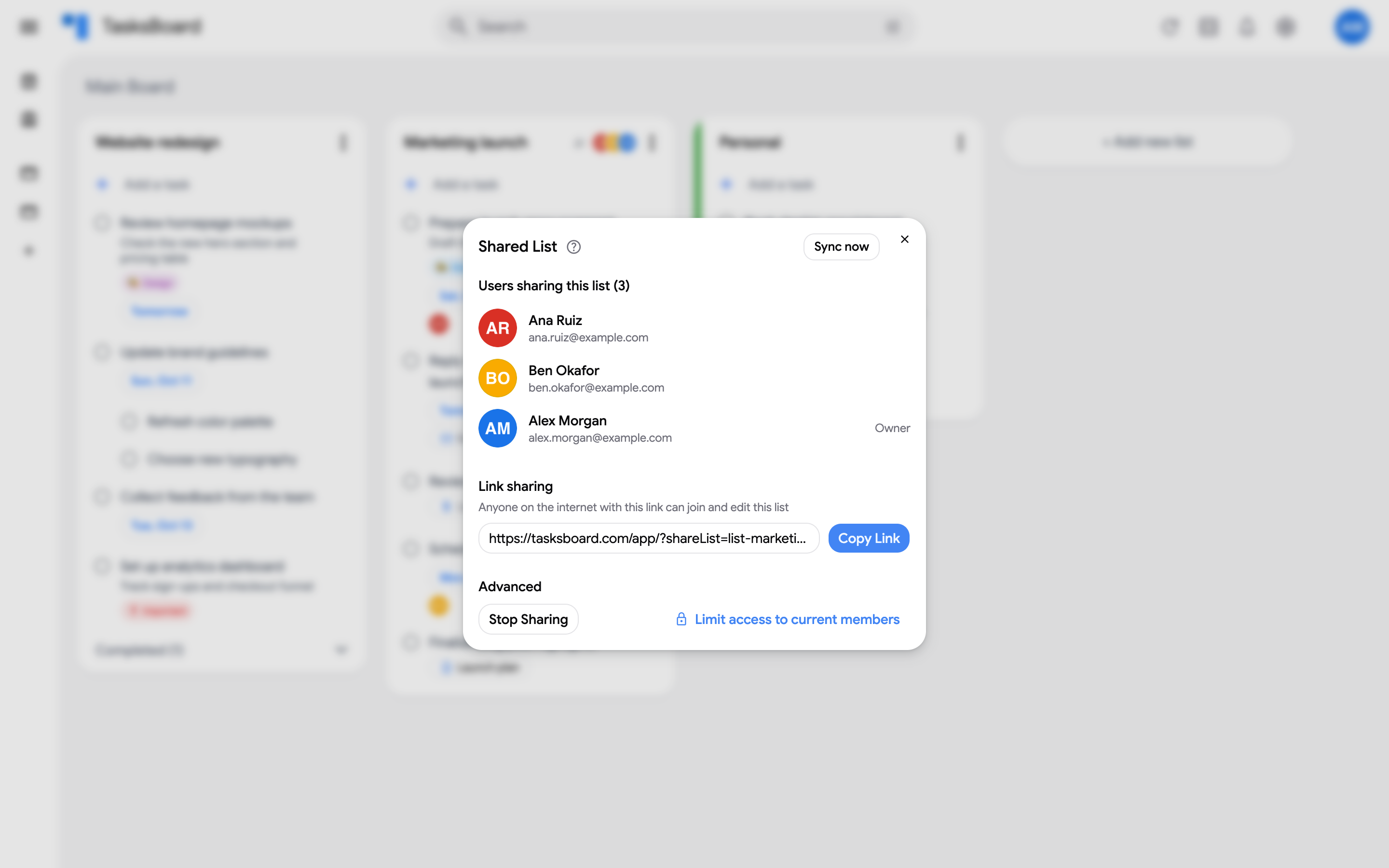
The button reads “Sync in progress” until the list is reconciled, then the latest tasks appear on your board.