
Move a list to another board
With several boards, you can move a list and all its tasks from one board to another.
Move a list
Section titled “Move a list”- Open the three dots menu (⋮) next to the list name.
- Hover “Move to another board”.
- Click the destination board (“Move to Work” in the example below).
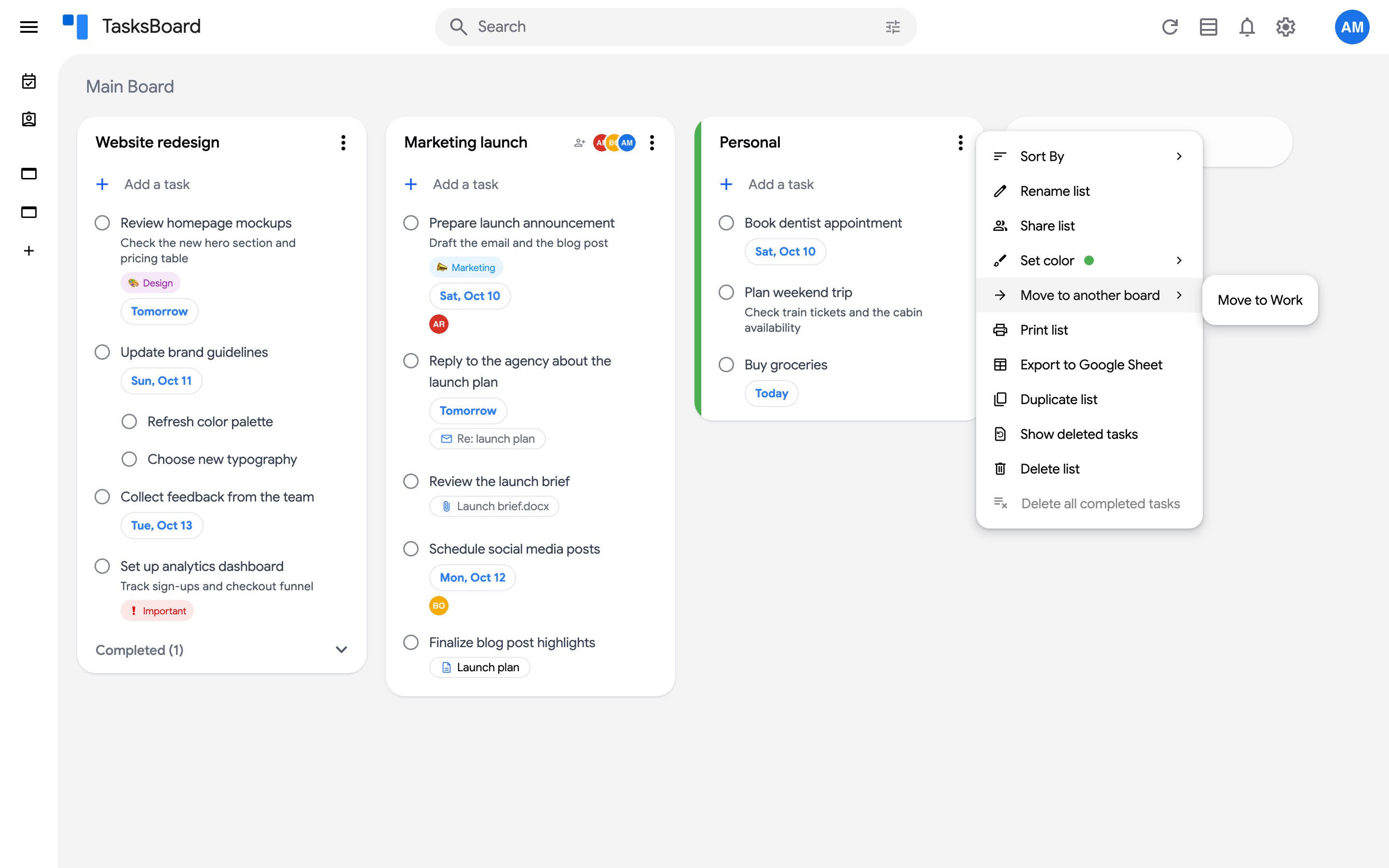
The list disappears from the current board and appears at the end of the destination board, with all its tasks. Nothing changes in Google Tasks, which does not know about boards.
When a list cannot be moved
Section titled “When a list cannot be moved”- Shared boards cannot be chosen as a destination, and a list that belongs to a shared board cannot be moved out of it. If all your other boards are shared, the “Move to another board” item is hidden.
- The default list of your Google account (the first list) stays on the Main Board: its “Move to another board” item is greyed out.