
Duplicate a list
Duplicating a list creates a full copy of it on the same board, including all its tasks and subtasks. It is handy for reusing a list as a template, for example a recurring checklist or a project structure you start over every sprint.
Duplicate a list
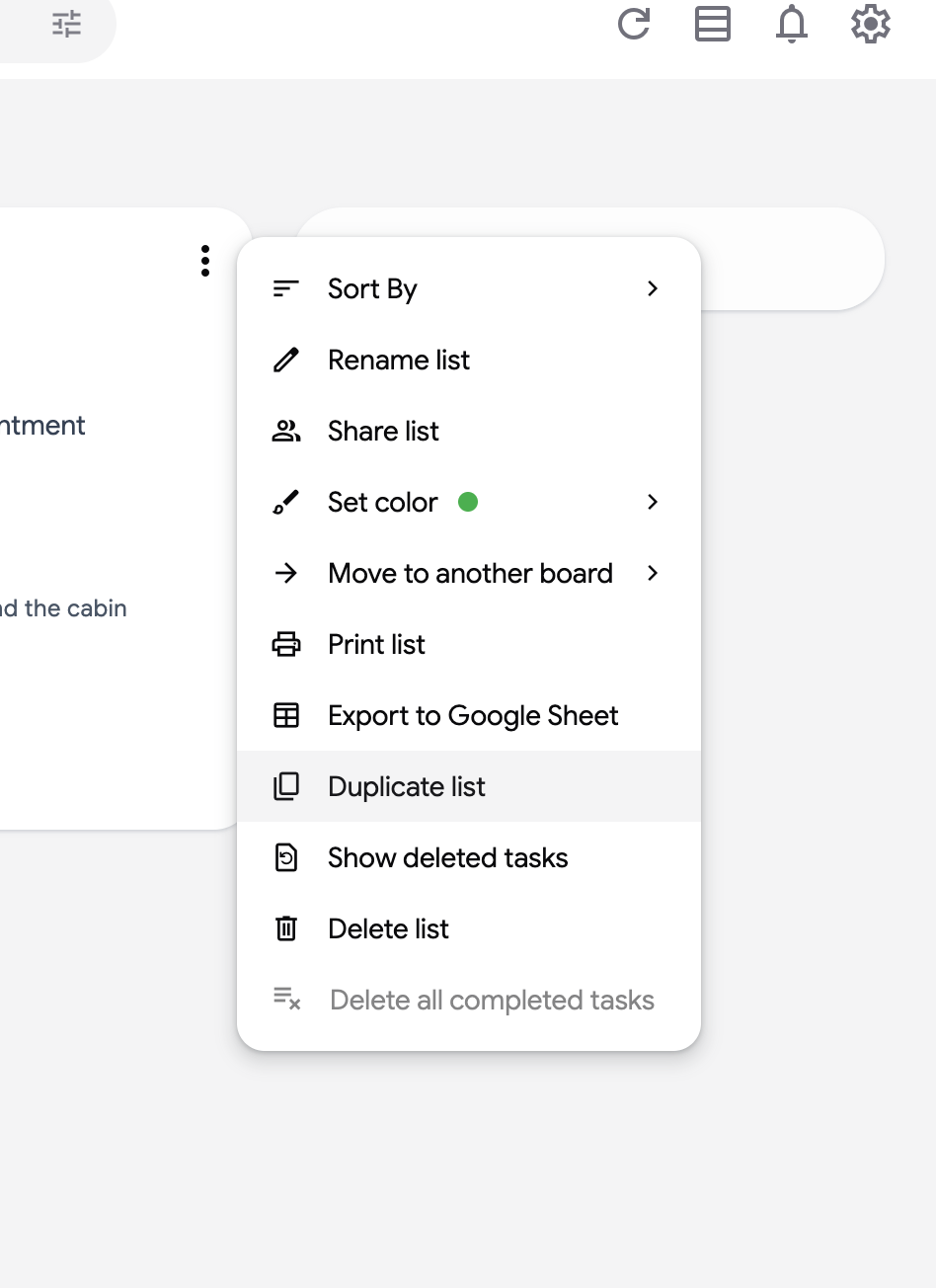
Section titled “Duplicate a list”- Open the three dots menu (⋮) at the top right of the list.
- Click “Duplicate list”.
- The copy appears right next to the original, named after it with “Copy” at the end. Click its title to rename it.
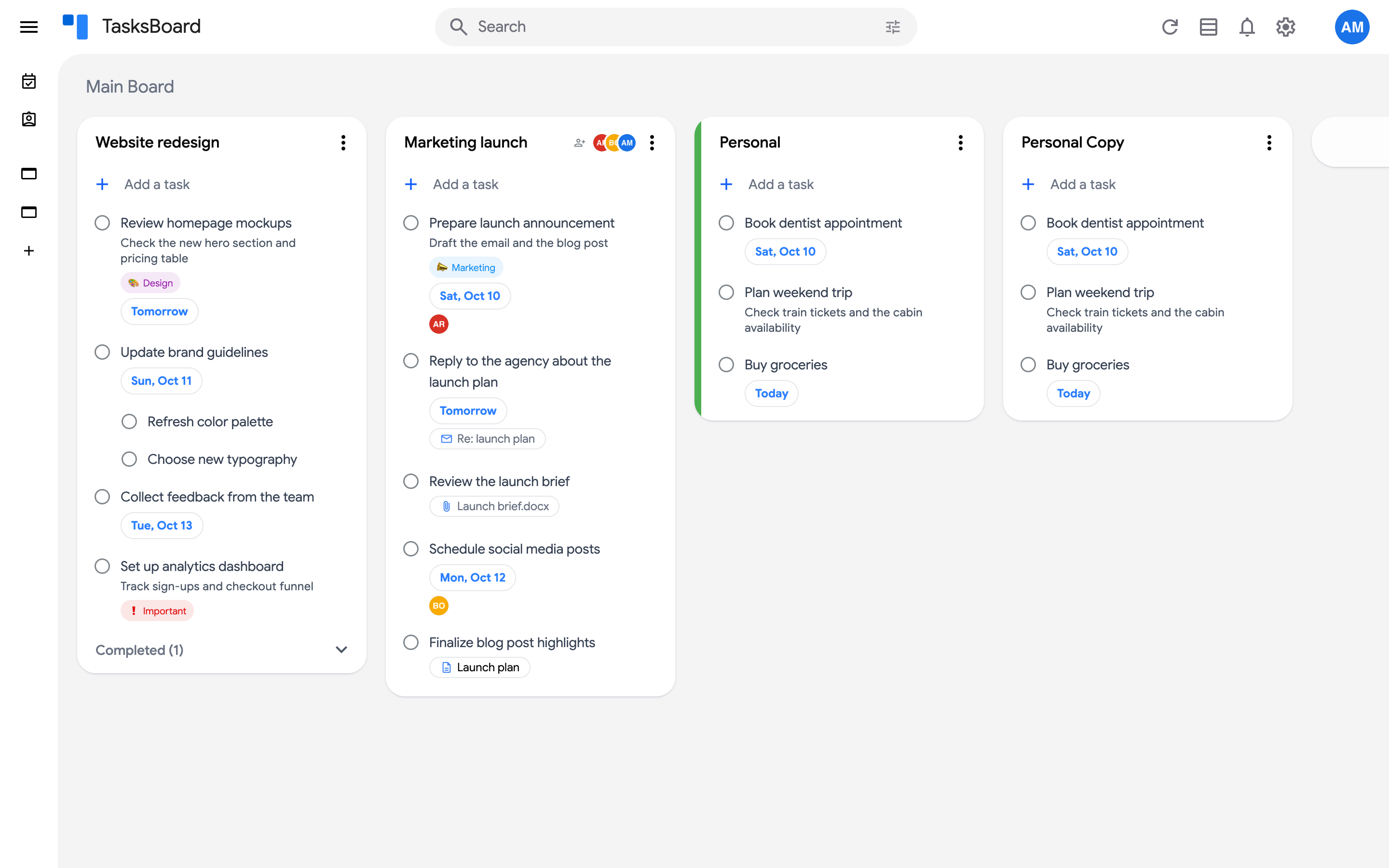
The copy contains all the tasks, subtasks, notes and due dates of the original, in the same order. It is a real Google Tasks list, so it also appears in the Google Tasks apps.
Looking for a way to reuse a single task instead? Open the task’s three dots menu (⋮) and click “Duplicate”.