Week start, sounds and task count
이 콘텐츠는 아직 번역되지 않았습니다.
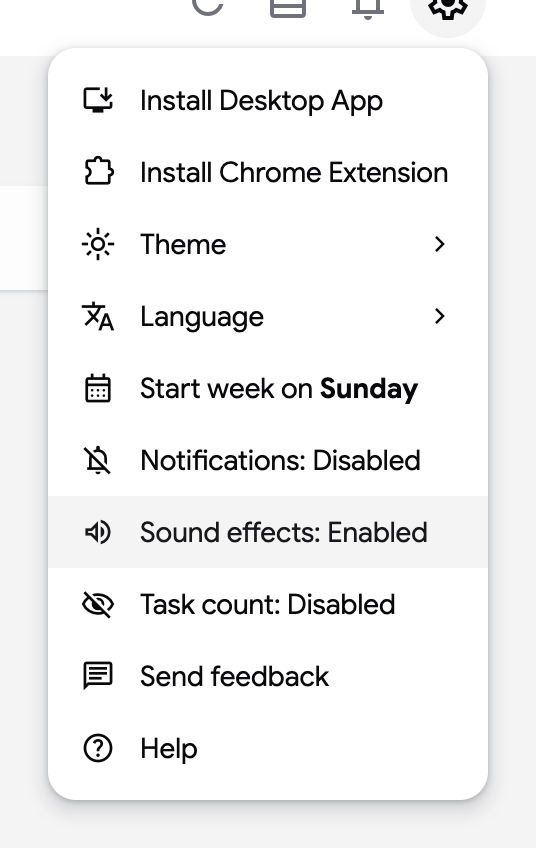
Three small options of the settings menu adjust the board to your habits: the first day of the week, the completion sound and the task counter. All three are saved on your TasksBoard account, so they follow you across devices.
Start the week on Sunday, Monday or Saturday
Section titled “Start the week on Sunday, Monday or Saturday”- Click on the settings icon (gear) at the top right of the screen.
- Click on “Start week on”. Each click moves to the next option: Sunday, Monday, then Saturday.
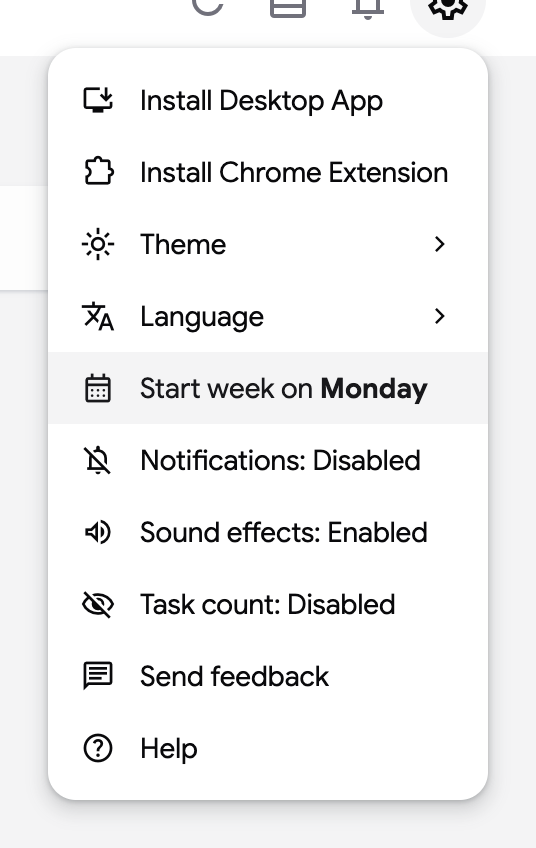
The calendar of the due date picker starts its rows on that day. See Set due dates.
Sound effects
Section titled “Sound effects”“Sound effects: Enabled” plays a short sound when you complete a task, and another one when you uncheck it. Click on the item to switch it to “Sound effects: Disabled”.
Task count
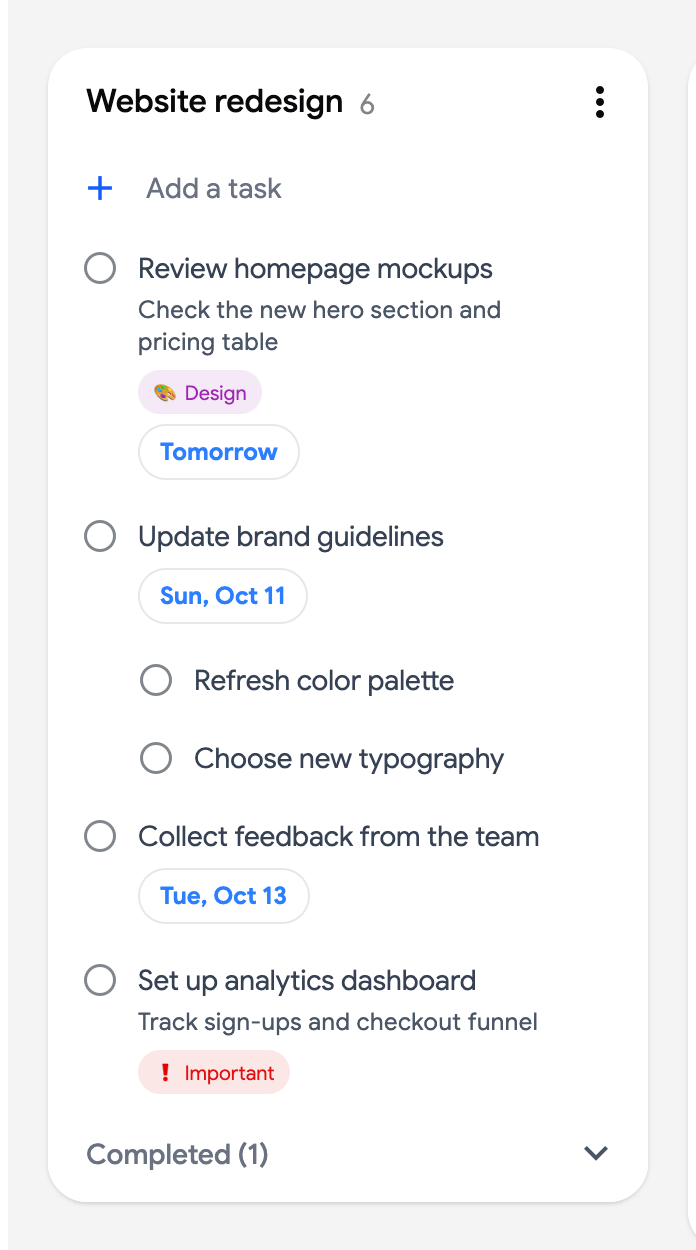
Section titled “Task count”“Task count: Enabled” shows the number of open tasks next to each list name on the board. Subtasks are counted, completed tasks are not.