
Change your plan
Este conteúdo não está disponível em sua língua ainda.
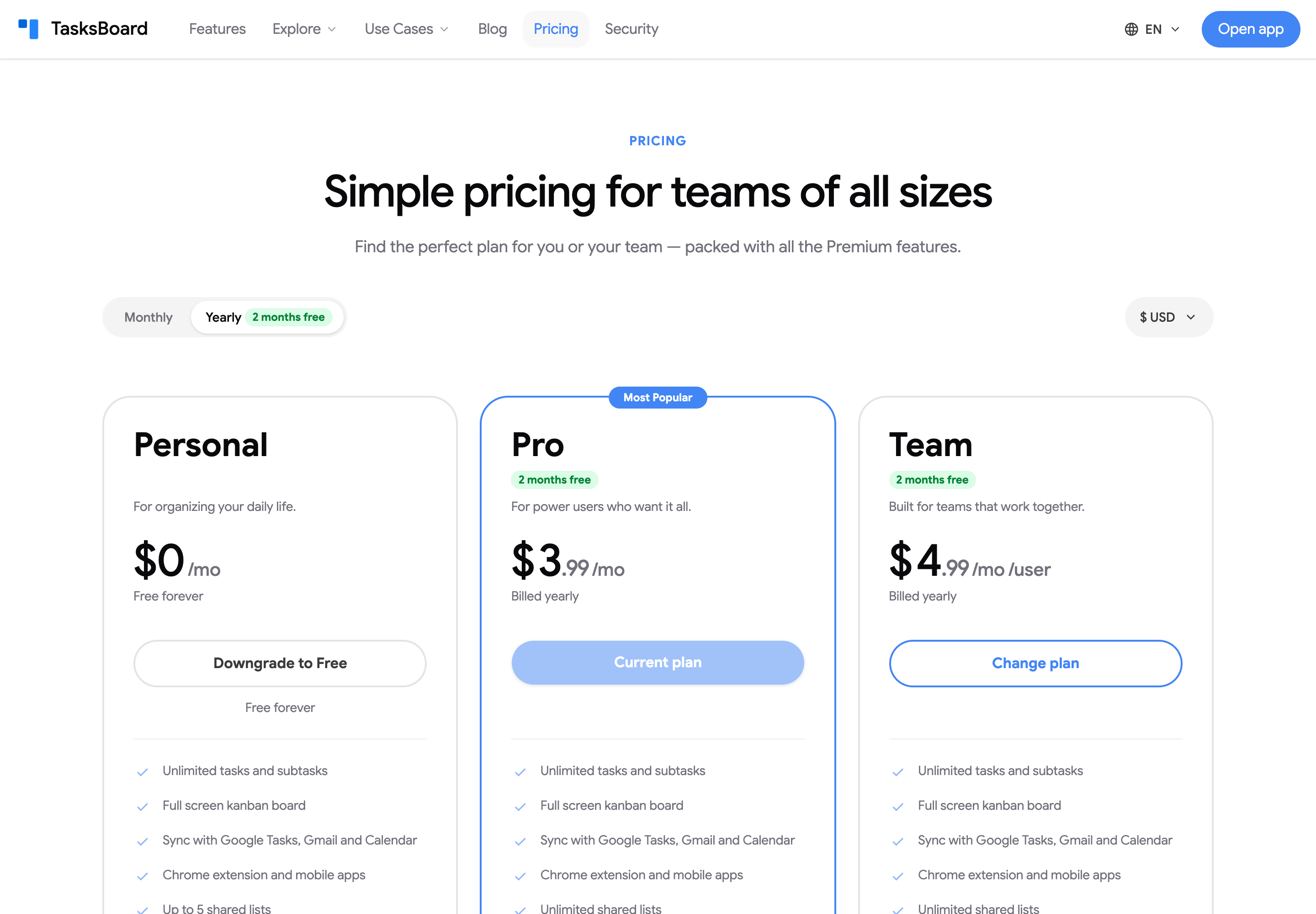
Subscribers change plans from the pricing page. While you are signed in, the page marks your plan as “Current plan” and the other plans show “Change plan”.
Monthly to yearly (or back)
Section titled “Monthly to yearly (or back)”- Open the pricing page.
- Click the “Monthly” or “Yearly” toggle.
- Click “Change plan” under your plan.
- Check the new price in the Change your plan dialog and click “Confirm change”.
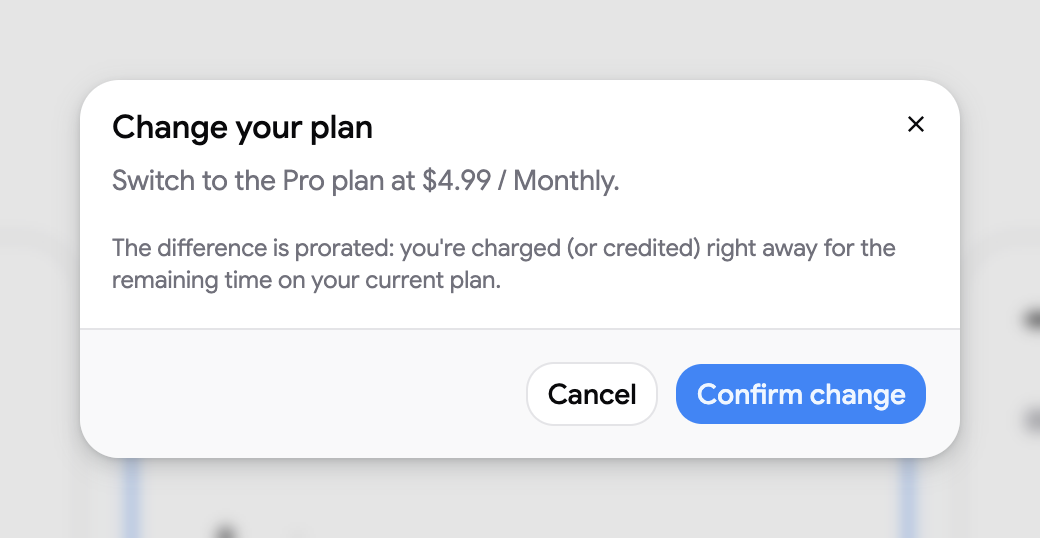
The difference is prorated: you are charged (or credited) right away for the remaining time on your current plan. Going from monthly to yearly charges the difference immediately; going from yearly to monthly credits the unused time to your account, and the credit is used on your next invoices. There is no refund of the difference.
Pro to Team
Section titled “Pro to Team”Either click “Change plan” under Team on the pricing page, or:
- Click your avatar and choose “Subscription”.
- Click “Manage team”.
- Confirm with “Switch and manage team”.
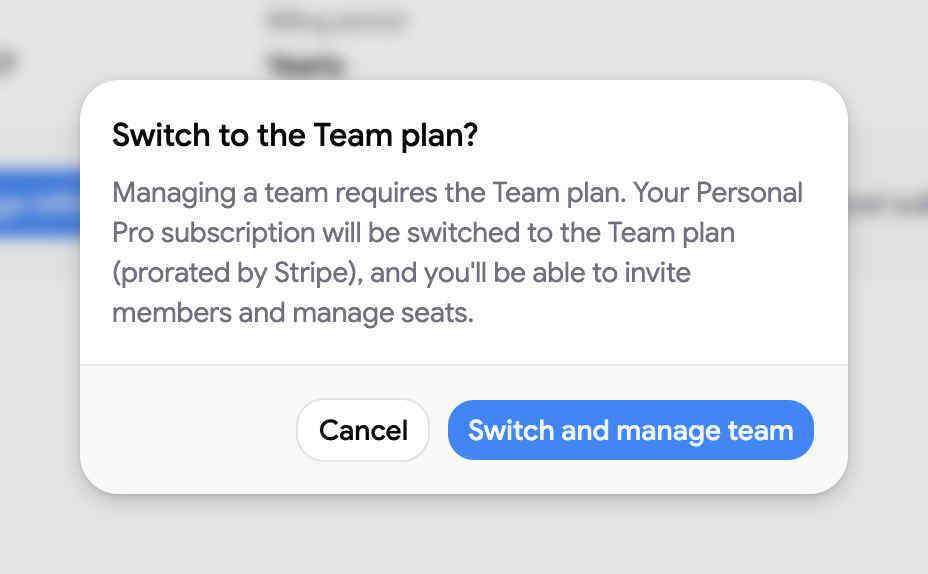
Your subscription moves to the Team plan on the same billing period, prorated, and you land on the Team page to add seats and members. See manage team seats.
Switching from Team to Pro works the same way from the pricing page. Remove your team members first: a Pro plan has a single seat.
Downgrade to the free plan
Section titled “Downgrade to the free plan”- Open the pricing page.
- Click “Downgrade to Free” under Personal.
- Confirm with “Cancel subscription”.
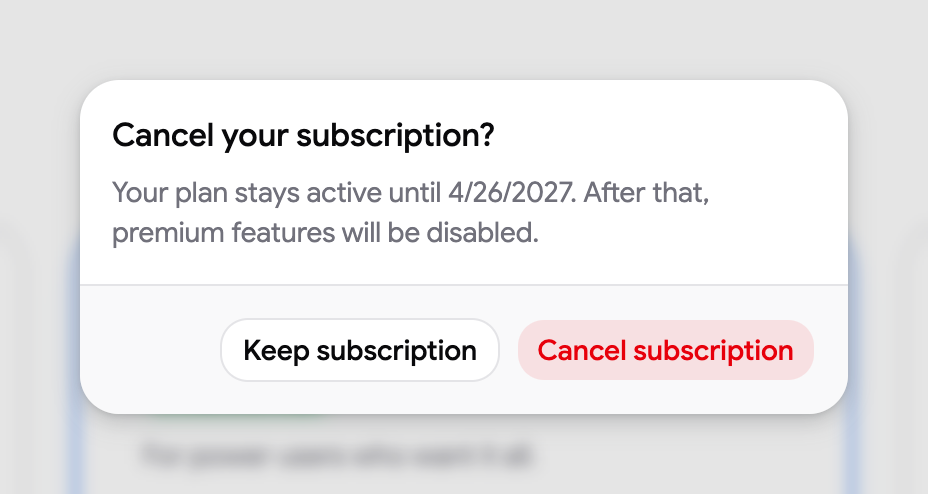
This is the same as cancelling: you keep Premium until the end of the period you paid for, then the account becomes free. See cancel your subscription.