
Cancel your subscription
Este conteúdo não está disponível em sua língua ainda.
You can cancel at any time. Premium stays active until the end of the period you already paid for, and nothing more is charged.
Cancel
Section titled “Cancel”- Click your avatar at the top right and choose “Subscription”.
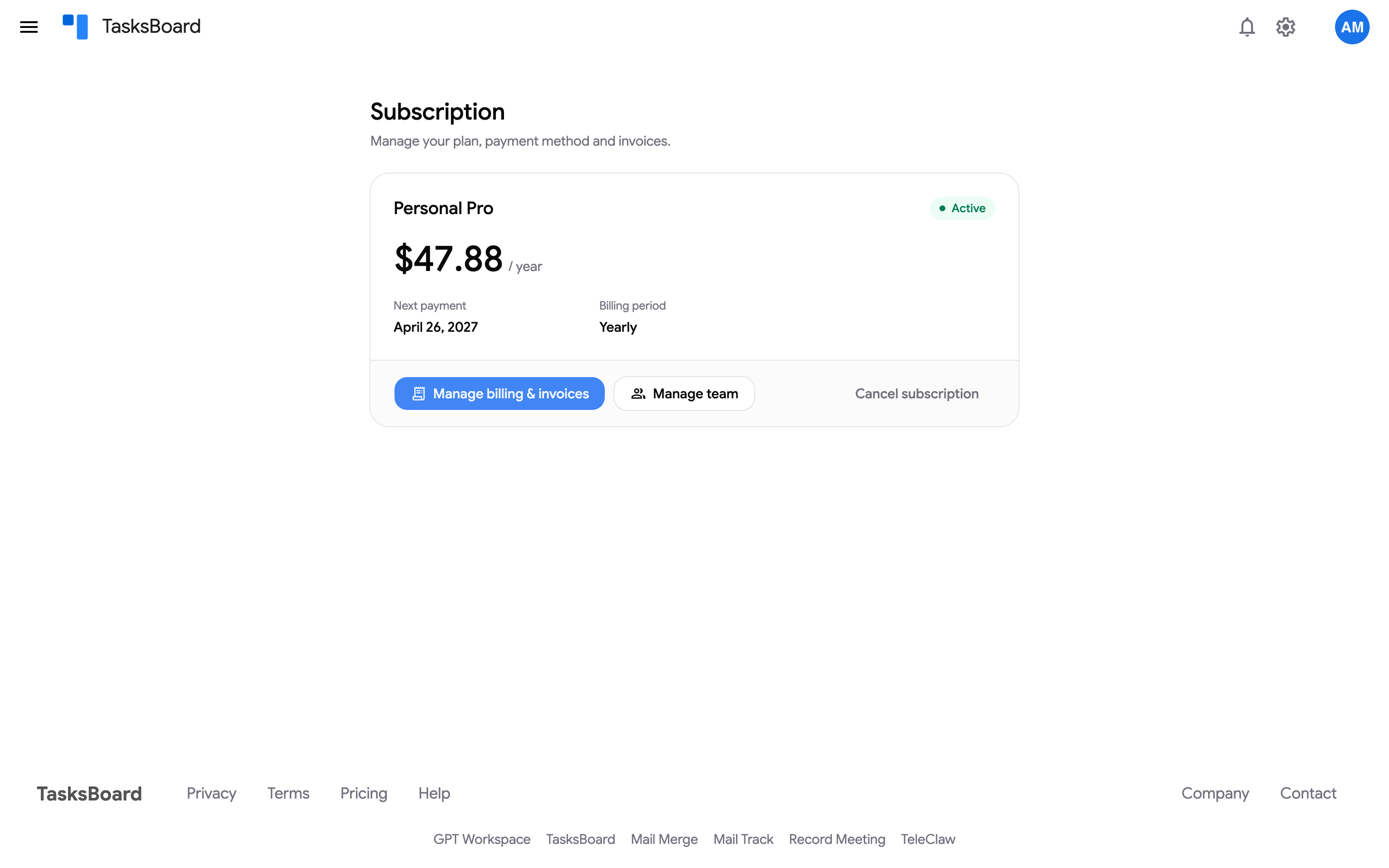
- On the Subscription page, click “Cancel subscription”.
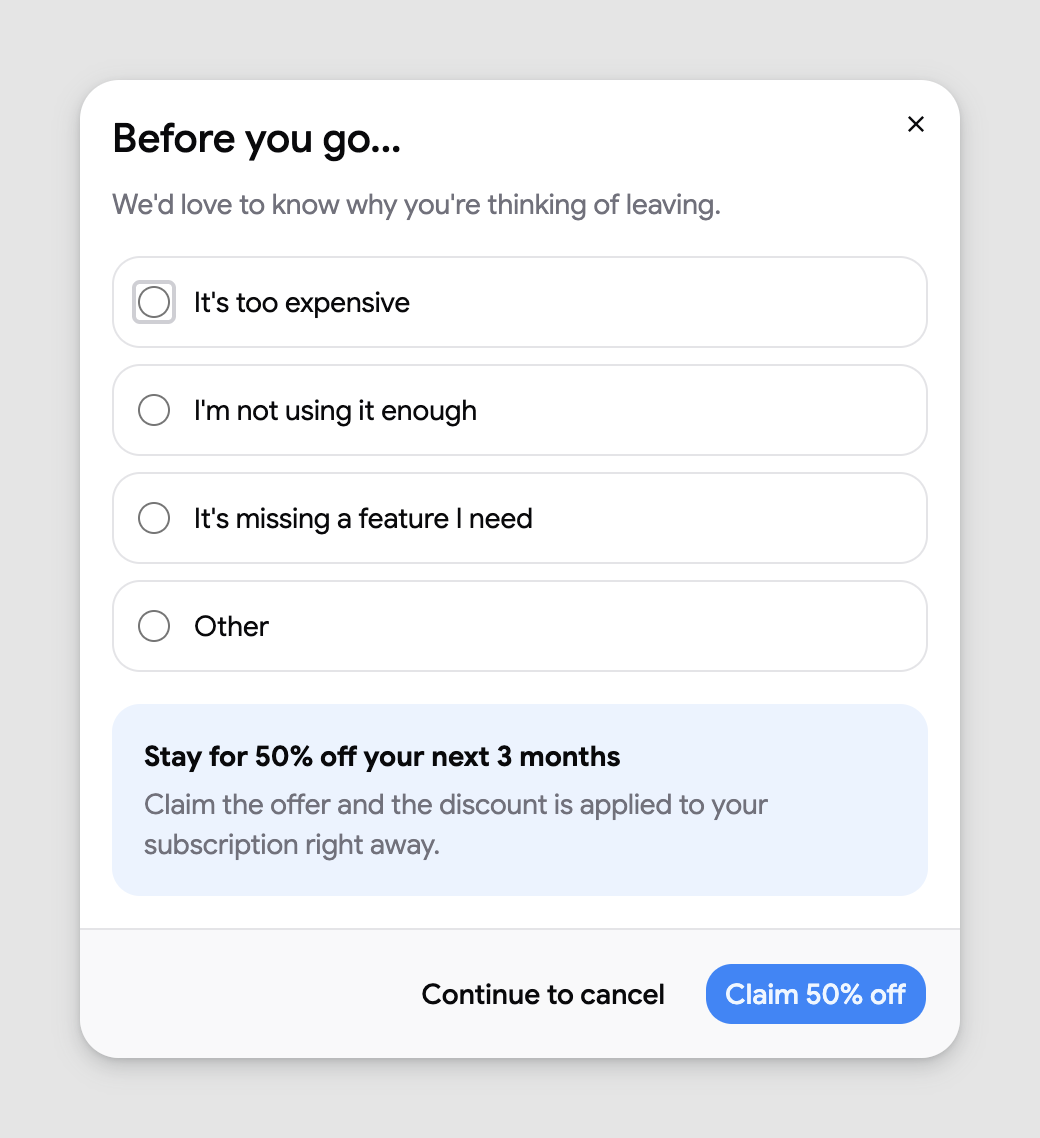
- The Before you go… step asks why you are leaving: “It’s too expensive”, “It’s missing a feature I need”, “I’m not using it enough”, “I’m switching to another tool”, “Bugs or sync problems” or “Other”, with an optional line to tell us more. Pick a reason, then either click “Claim 50% off” to stay with 50% off your next 3 months (applied right away), or “Continue to cancel”.
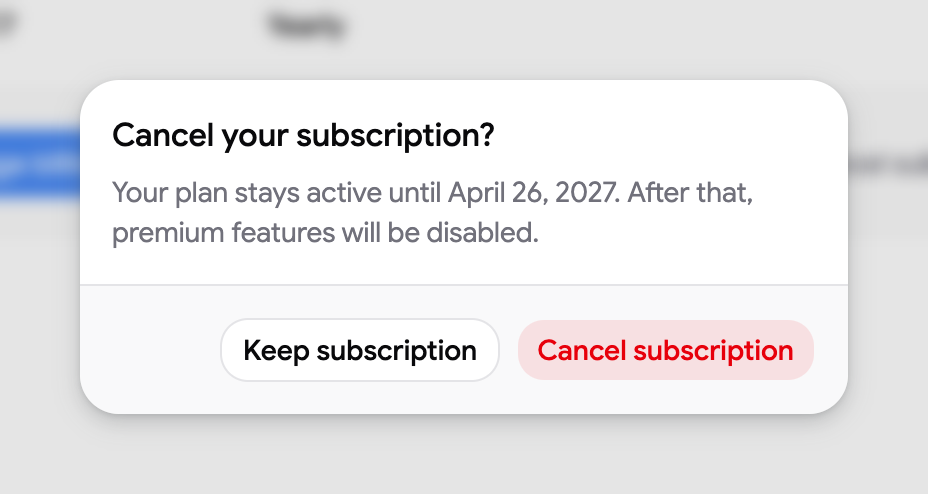
- Confirm with “Cancel subscription” in the Cancel your subscription? dialog, or click “Keep subscription” to change your mind.
What happens next
Section titled “What happens next”- The status on the Subscription page changes to “Not renewing” and “Premium until” shows the last day of access.
- You keep every Premium feature until that date. After it, shared lists beyond the free limit, extra boards, labels and the other Premium features are disabled, but nothing is deleted: your tasks stay in Google Tasks.
- Members of a Team plan lose Premium on the same date.
Resubscribe
Section titled “Resubscribe”Before the end date, open the pricing page and click “Change plan” under any plan: confirming removes the scheduled cancellation. After the end date, subscribe again from the pricing page as a new purchase (the free trial is not offered a second time).
Refunds
Section titled “Refunds”Cancelling never triggers an automatic refund. A charge from the last 30 days can be refunded on request: see refunds and unexpected charges. If you cannot sign in to the account that holds the subscription, see cancel a subscription you cannot sign in to.