
TasksBoard app for ChatGPT
Ta treść nie jest jeszcze dostępna w Twoim języku.
The TasksBoard app for ChatGPT lets you manage your real Google Tasks from a conversation: ask for a task to be added, ask what is due today, or move everything you did not finish to tomorrow. Every change lands in Google Tasks, so it shows up on your TasksBoard board, in Gmail and Calendar, and on your phone.
Connect the app
Section titled “Connect the app”- Open ChatGPT and find TasksBoard in the app directory, or use the Add to ChatGPT button on tasksboard.com/chatgpt.
- Sign in with Google. Google’s own consent screen asks for access to your Tasks only: ChatGPT never sees your Google password and TasksBoard never sees your chats.
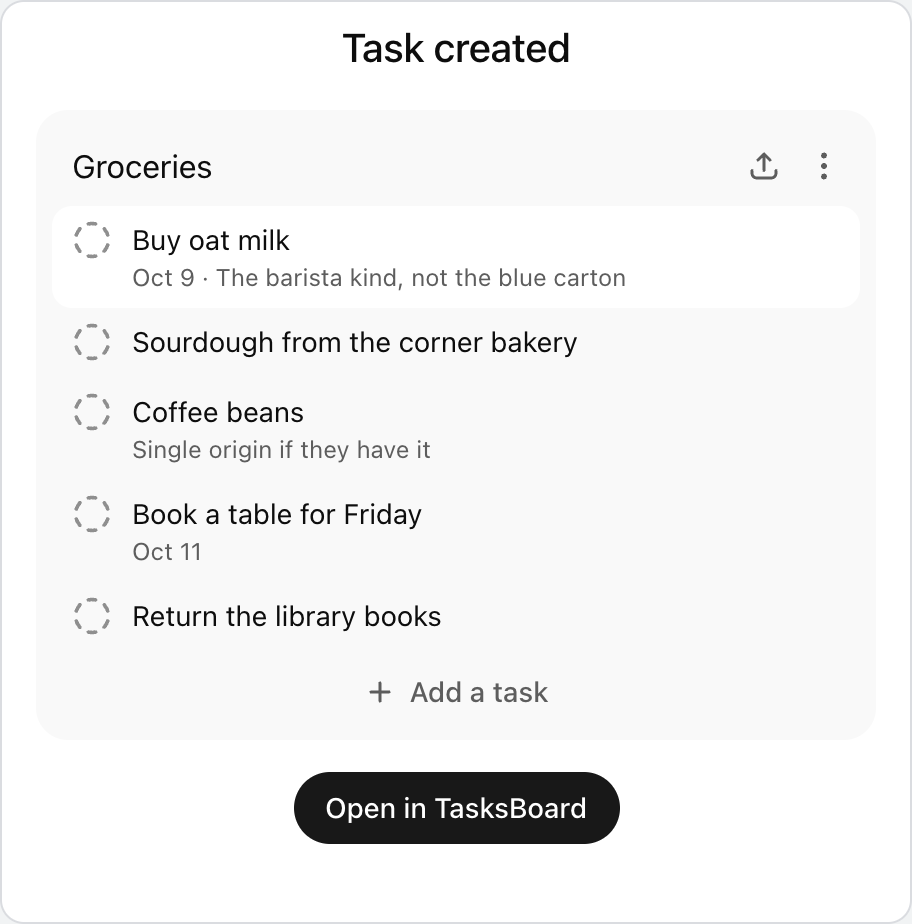
- Start chatting. New tasks and lists appear as interactive cards in the conversation and in Google Tasks at the same moment.
Connecting the app is free and does not need a TasksBoard account: sign in with the Google account that holds your tasks.
What you can ask
Section titled “What you can ask”- “Add Send the Q3 report to my Work list, due Friday.”
- “What’s on my list for today?”
- “Move everything I didn’t finish today to tomorrow.”
- “Create a Trip to Lisbon list with everything I need to pack.”
- “Mark the invoice task as done and clear completed tasks.”
- “Turn these meeting notes into tasks with due dates.”
Behind the scenes the app can list your task lists and tasks, create, update, move and delete tasks (including subtasks, notes and due dates), create, rename and delete lists, and clear the completed tasks of a list. Shared lists work too: a task added from ChatGPT reaches the people you share the list with, once the list syncs on TasksBoard.
Privacy and disconnecting
Section titled “Privacy and disconnecting”The app only asks for the Google Tasks scope: it cannot read your email, Drive files or calendar events, and it keeps no copy of your tasks outside Google Tasks. To disconnect it, remove the app in ChatGPT’s app settings or revoke TasksBoard’s access from the third-party apps section of your Google Account. Your tasks stay where they are.