
Free trial
Αυτό το περιεχόμενο δεν είναι ακόμη διαθέσιμο στη γλώσσα σου.
Every paid plan starts with a 7-day free trial for first-time subscribers. You get all the Premium features right away and are only charged if you keep the plan after the week.
Start the trial
Section titled “Start the trial”- Click your avatar at the top right and choose “Try Premium for free”, or open the pricing page.
- Choose “Monthly Billing” or “Yearly Billing” (yearly is 20% cheaper) and click “Start free trial”.
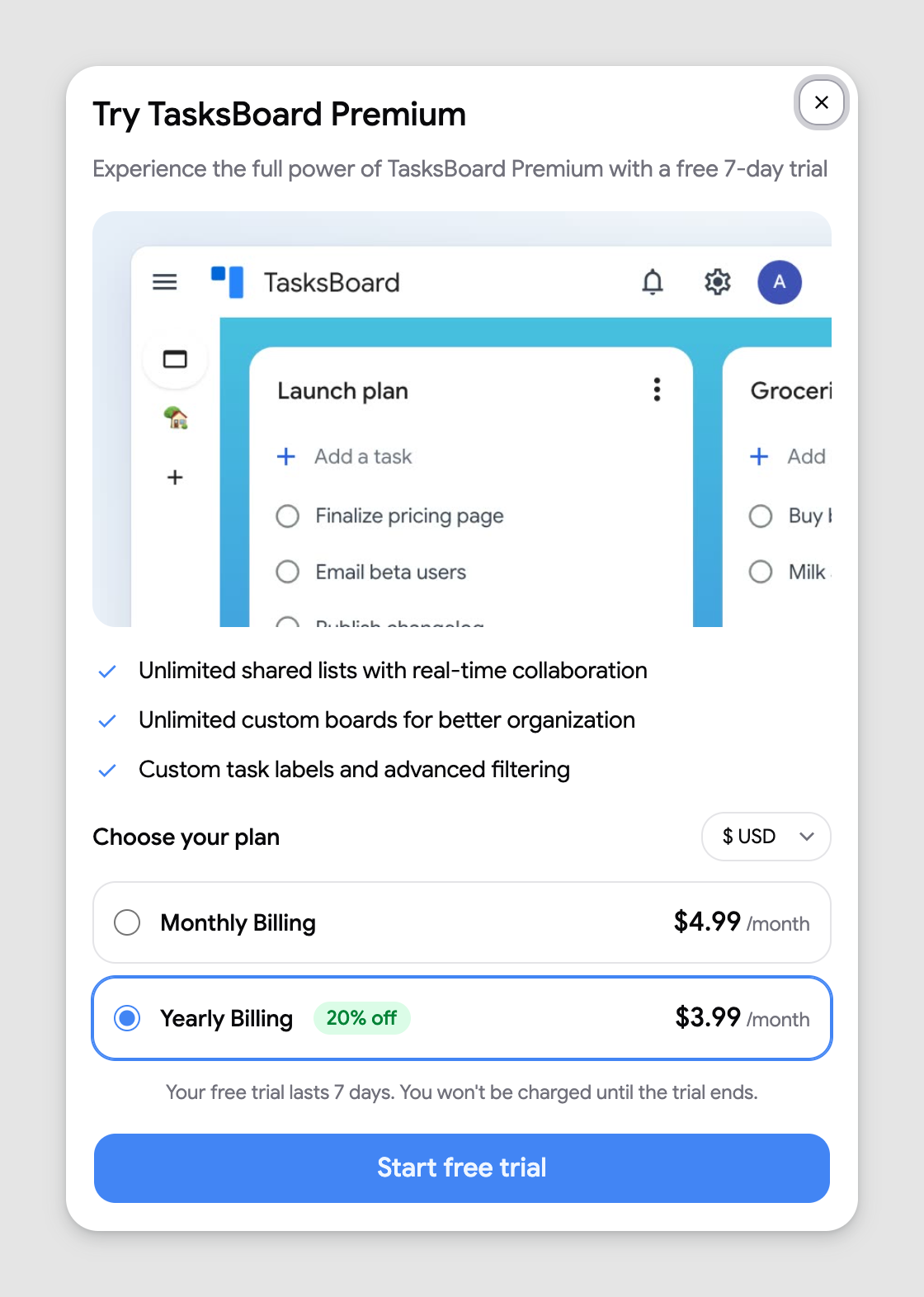
- Enter your card in the Start your free trial dialog and click “Start free trial”. The dialog states exactly what you will pay after the trial, for example “7 days free, then $57.48. Cancel anytime.”
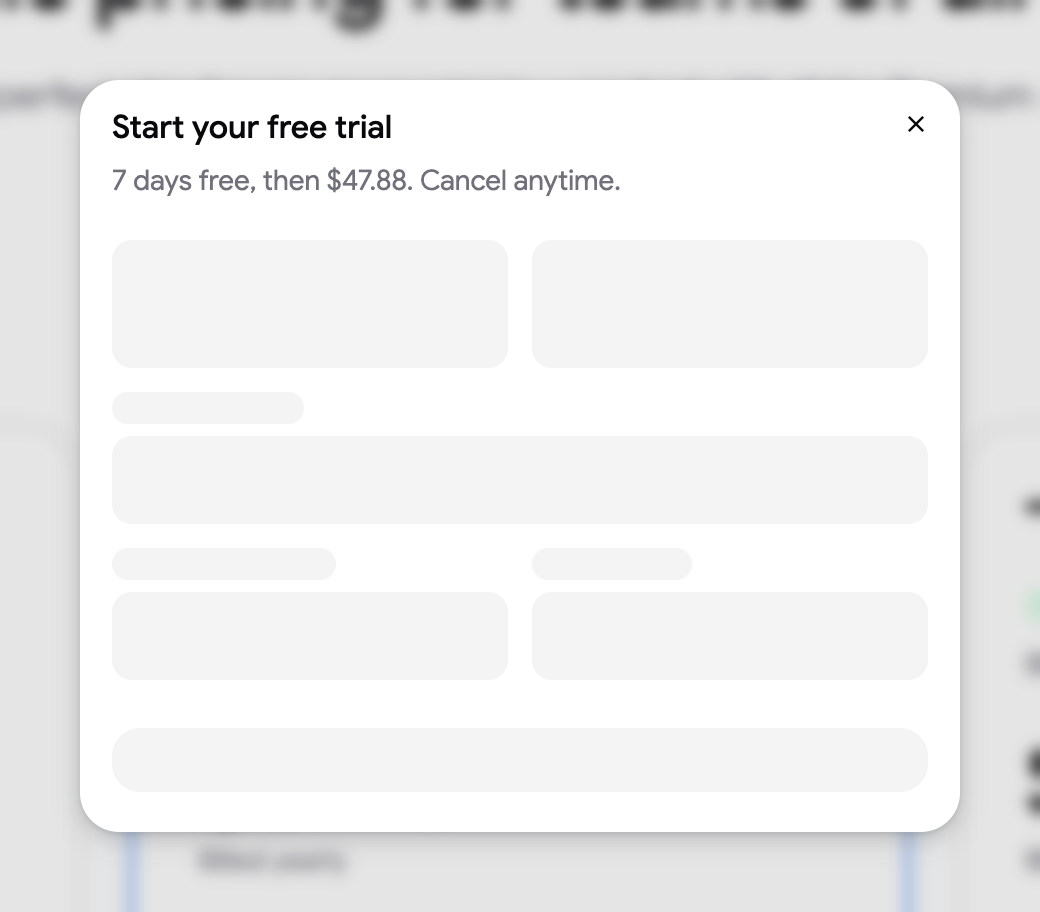
The card form inside the dialog is provided by Stripe, our payment processor. TasksBoard never sees or stores your card details.
Who is eligible
Section titled “Who is eligible”The trial is for accounts that have never had a TasksBoard subscription. If you subscribed before, even for a trial you cancelled, the plan starts immediately and the dialog reads “Complete your purchase” with “Pay and subscribe” instead.
When you are charged
Section titled “When you are charged”Nothing is charged when you start the trial. Your card is saved so the subscription can continue without interruption; the first payment happens automatically at the end of the 7 days, for the plan and billing period you picked. Until then, the Subscription page shows the status “Free trial”. No reminder email is sent before the trial ends, so note the date shown in the dialog. If you forgot to cancel, see refunds.
Cancel before the trial ends
Section titled “Cancel before the trial ends”- Click your avatar and choose “Subscription”.
- Click “Cancel subscription” and confirm.
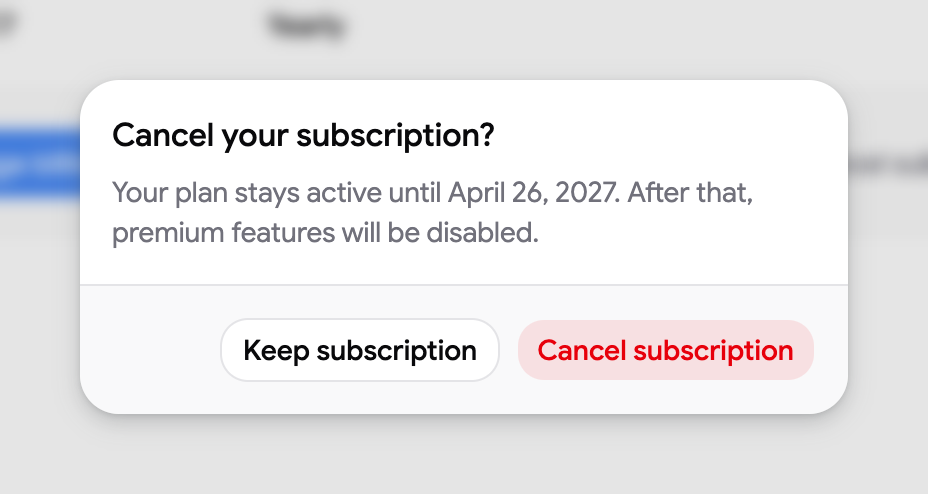
You keep Premium until the last day of the trial and are never charged. See cancel your subscription for the full flow.