
Plans and pricing
เนื้อหานี้ยังไม่มีในภาษาของคุณ
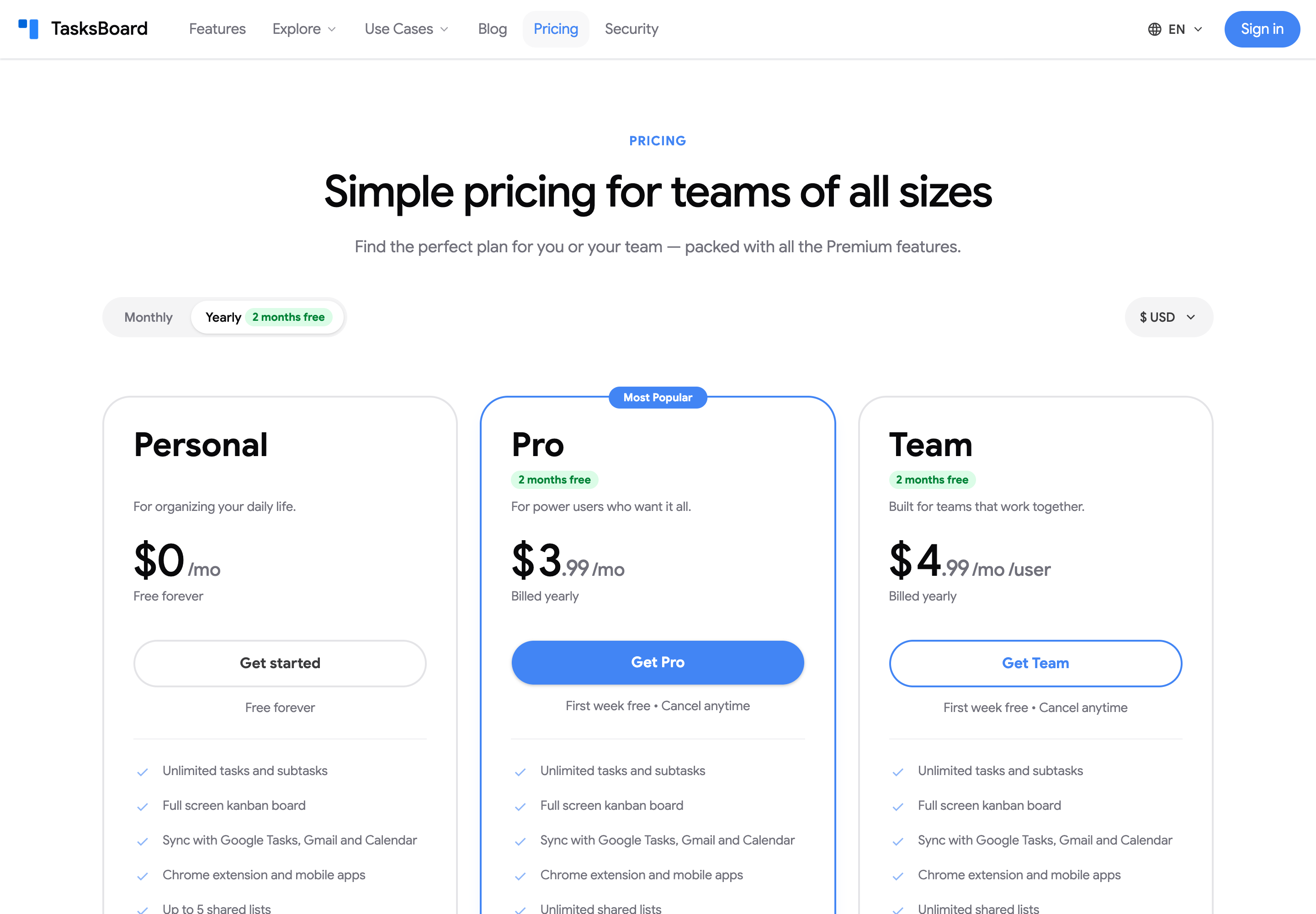
TasksBoard has a free Personal plan and two paid plans, Pro and Team. “Premium” is the name of the paid features, not a plan: both paid plans unlock every Premium feature; Team adds seats for your whole team on one bill, plus a few features made for teams. Current prices are always on the pricing page.
What each plan includes
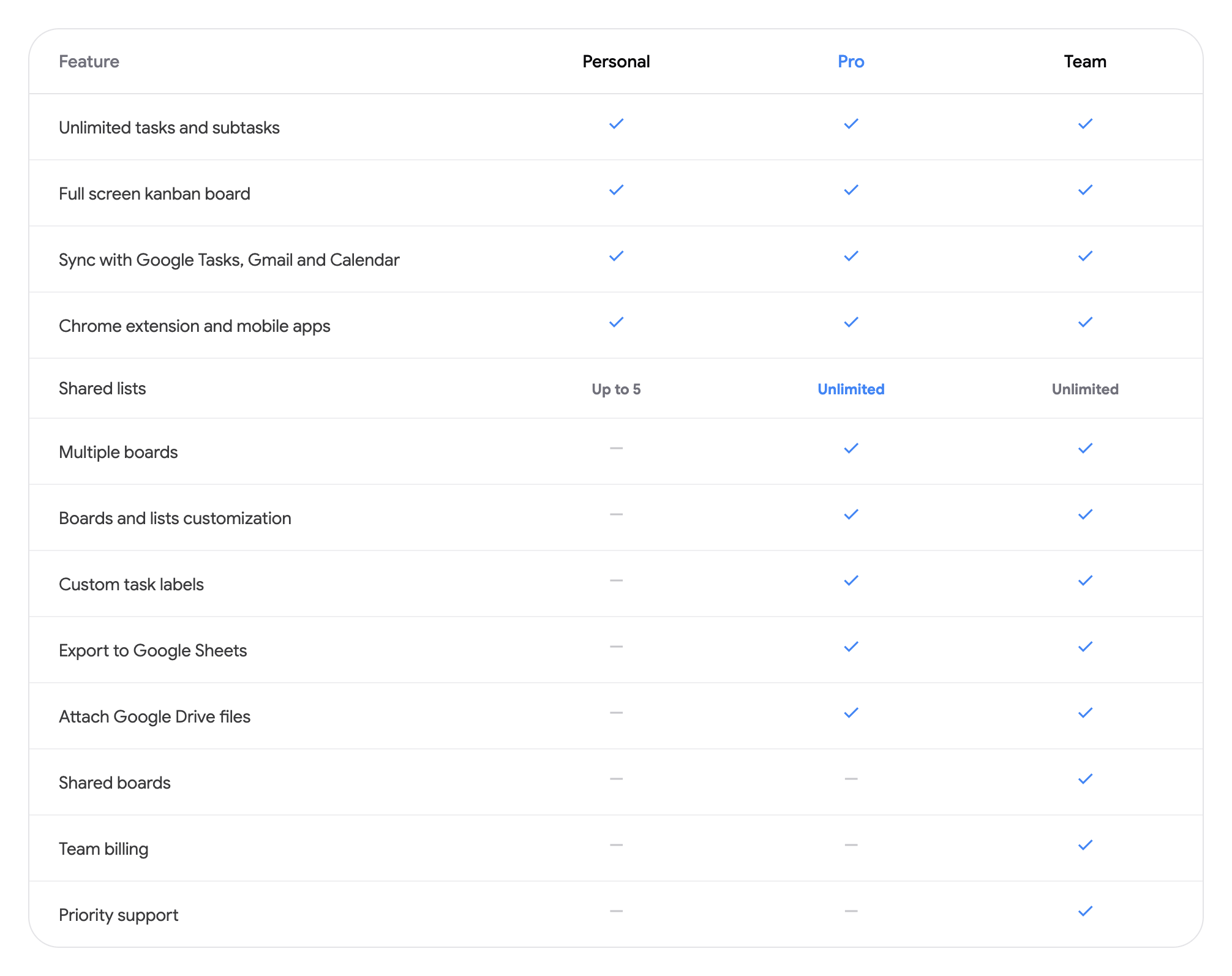
Section titled “What each plan includes”| Feature | Personal | Pro | Team |
|---|---|---|---|
| Unlimited tasks and subtasks | Yes | Yes | Yes |
| Full screen kanban board | Yes | Yes | Yes |
| Sync with Google Tasks, Gmail and Calendar | Yes | Yes | Yes |
| Chrome extension and mobile apps | Yes | Yes | Yes |
| Shared lists | Up to 5 | Unlimited | Unlimited |
| Multiple boards | No | Yes | Yes |
| Boards and lists customization | No | Yes | Yes |
| Custom task labels | No | Yes | Yes |
| Export to Google Sheets | No | Yes | Yes |
| Attach Google Drive files and links | No | Yes | Yes |
| Shared boards | No | Yes | Yes |
| Calendar view | No | Yes | Yes |
| Repeat & remind (due times, repeating tasks, reminders) | No | Yes | Yes |
| Priorities | No | Yes | Yes |
| Templates | No | Yes | Yes |
| Turn text into tasks (AI, voice, suggested subtasks) | No | Yes | Yes |
| Activity & history | No | Yes | Yes |
| View-only collaborators | No | No | Yes |
| Docs/Chat task routing | No | No | Yes |
| API & Zapier | No | No | Yes |
| Team billing | No | No | Yes |
| Priority support | No | No | Yes |
Monthly or yearly
Section titled “Monthly or yearly”Use the “Monthly” / “Yearly” toggle at the top of the pricing page. Yearly billing gives you 2 months free (about 20% off): Pro costs $5.99 a month or $57.48 a year ($4.79 a month), and Team costs $5.99 per user a month or $59.88 per user a year ($4.99 a month). Pick your currency in the dropdown next to the toggle; USD, EUR, GBP, CAD, AUD, BRL, INR and JPY are available.
Team pricing
Section titled “Team pricing”The Team plan is billed per seat. You choose the number of seats, assign them to teammates by email and pay for all of them from your own account. Seats can be added or removed at any time; the change is prorated. See manage team seats.
Discounts and larger teams
Section titled “Discounts and larger teams”- Education: see below.
- Nonprofits: TasksBoard has no nonprofit programme; the education discount is the only permanent discount. Yearly billing is the lowest price.
- Volume: the Team price is the same per seat whatever the number of seats, up to 100 seats on one plan. For more seats or for procurement questions (vendor forms, quotes, invoices with company details), write to contact@tasksboard.com; see also invoices, VAT details and tax forms.
- Demos: there is no sales team or scheduled demo. The free trial gives the whole team every Premium feature for 7 days.
Education discount
Section titled “Education discount”Students and educators who sign in with a school or university email get 50% off Pro for as long as they stay subscribed. The discount is applied automatically at checkout; nothing to enter.
Where to upgrade
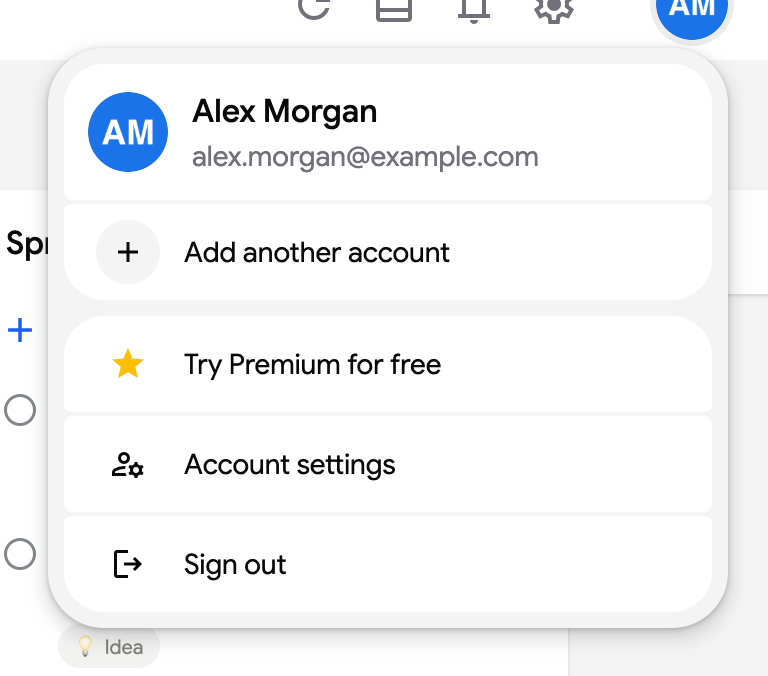
Section titled “Where to upgrade”- Click your avatar at the top right and choose “Try Premium for free” (or “Upgrade to Premium”).
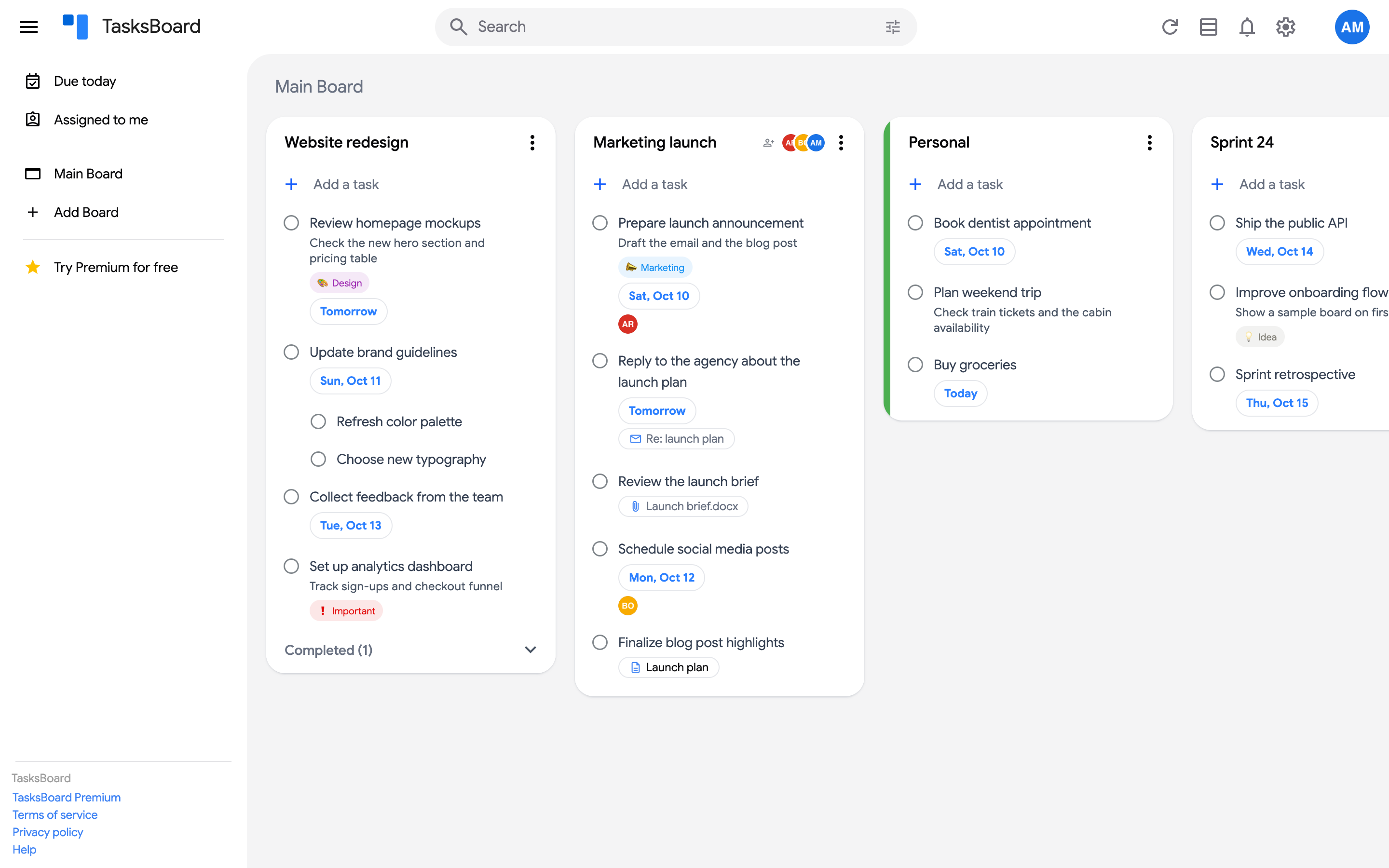
- Open the sidebar with the menu icon (☰) and click “Try Premium for free” at the bottom of the board list.
- Go directly to tasksboard.com/pricing.
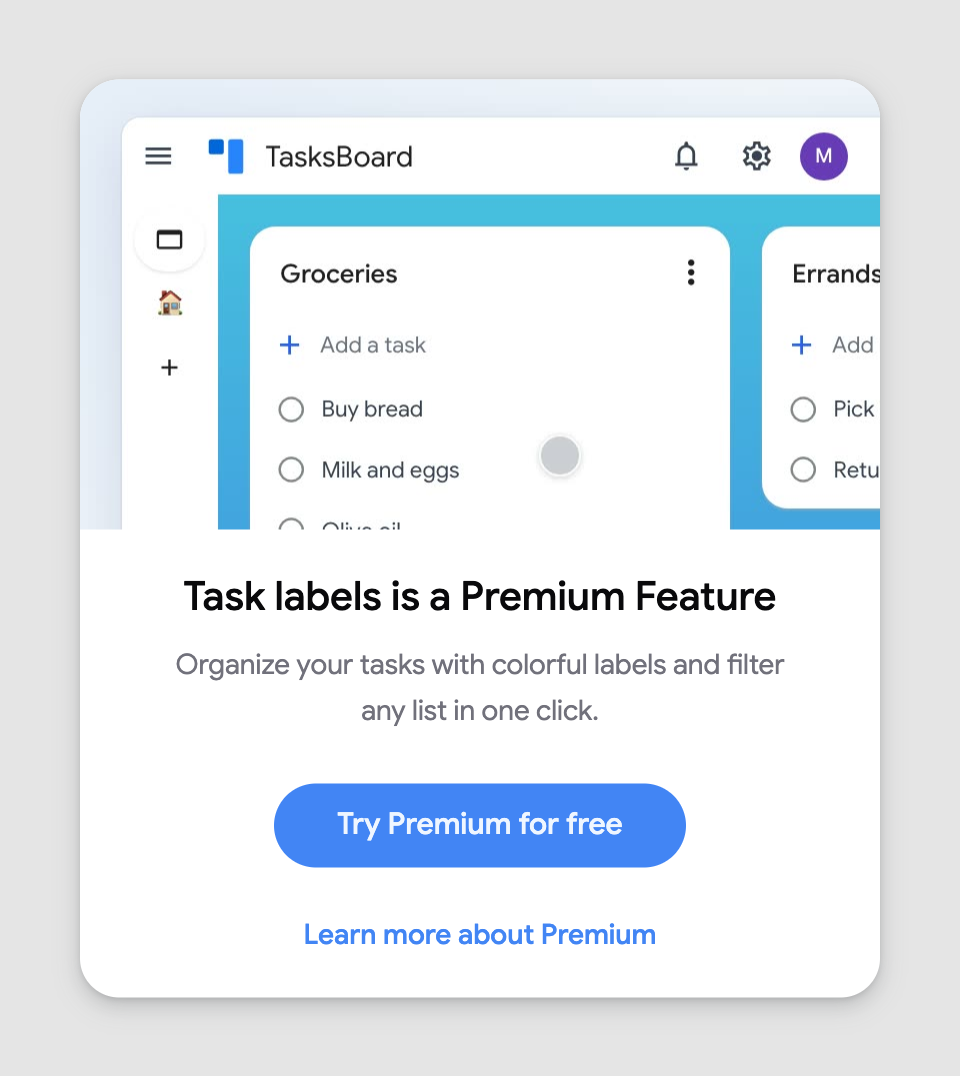
Whenever you open a Premium feature on a free account, TasksBoard shows what the feature does and offers the upgrade from there.
Your first week is free: see the free trial.